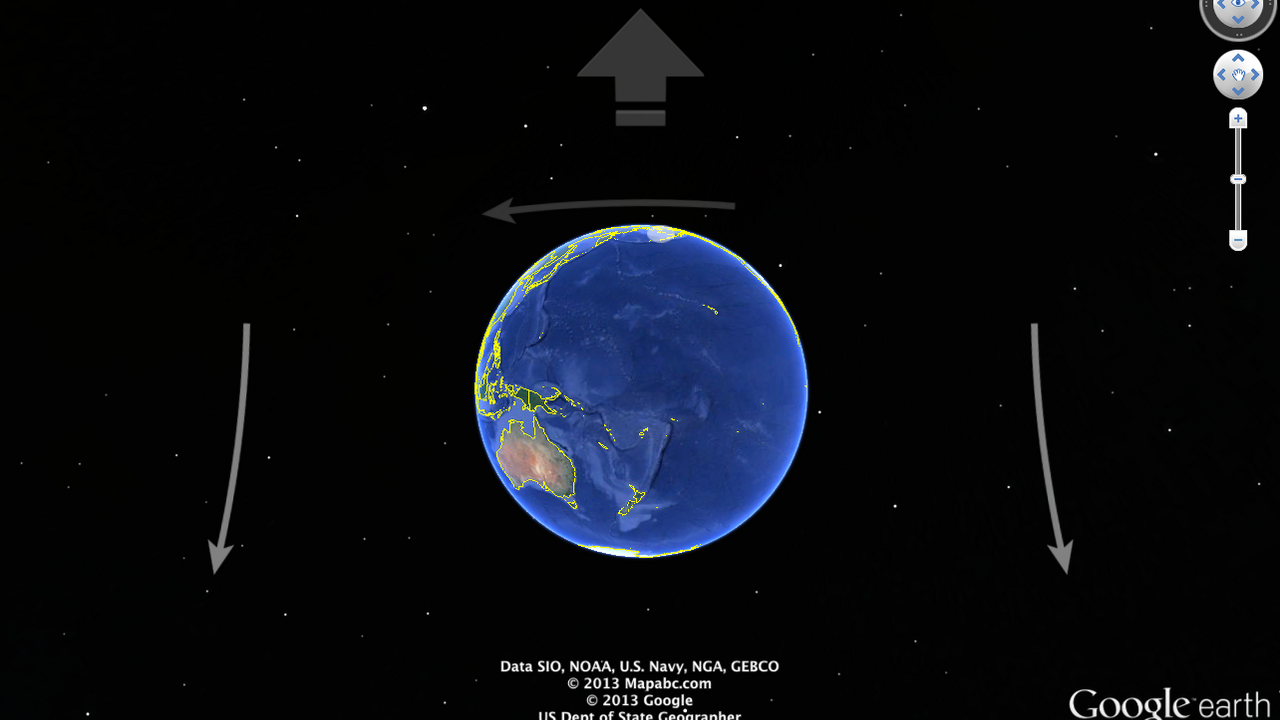
Interact with the world in a whole new way!
Google Earth allows you to travel the world through a virtual globe and view satellite imagery, maps, terrain, 3D buildings, and much more.
With Google Earth's rich, geographical content, you are able to experience a more realistic view of the world. You can fly to your favorite place, search for businesses and even navigate through directions. It's all up to you!
For complete instructions on how to use Google Earth with the Leap Motion Controller, visit Google's support page.
Although the options within Google Earth are endless, here are a few things you can do:
Discover the Earth: Fly to any location in the world, learn about a city and it's geographic features, find local businesses, and create tours.
Explore the Sky: Enjoy the wonders of the heavens and learn about our solar system.
Dive in the Ocean: Go beneath the surface and visit the depths of the ocean and explore the planet's deepest underwater canyons. Learn about ocean observations, climate change, and endangered species. You can even discover new places to surf, dive and fish.
Walk on the Moon: Take tours of landing sites narrated by Apollo astronauts and view 3D models of landed spacecraft.
Visit Mars: Travel the Red Planet and explore NASA's latest imagery of our galactic neighbor. Google Earth is simply your ticket to explore the Universe!
Ratings & Reviews
This app's current version has no reviews yet.
This app's current version has no reviews yet.
Information
Platform: Weblink
Version: 1.0.0
Age Rating: 3+
System Requirements
WIN
Operating System: Windows 7 and 8
CPU: Pentium 4 2.4GHz+ or AMD 2400xp+
System Memory (RAM): 1GB+
Hard Disk: 2GB+ free space
Network Speed: 768 Kbits/sec
Graphics Card: DirectX9 and 3D capable with 256MB of VRAM
Screen: 1280x1024, ""32-bit True Color""
OSX
Operating System: Mac OS X 10.6.8 or later
CPU: Dual Core Intel Mac
System Memory (RAM): 1GB+
Hard Disk: 2GB free space
Network Speed: 768 Kbits/sec
Graphics Card: DirectX9 and 3D capable with 256MB of VRAM
Screen: 1280x1024, ""Millions of Colors""