/



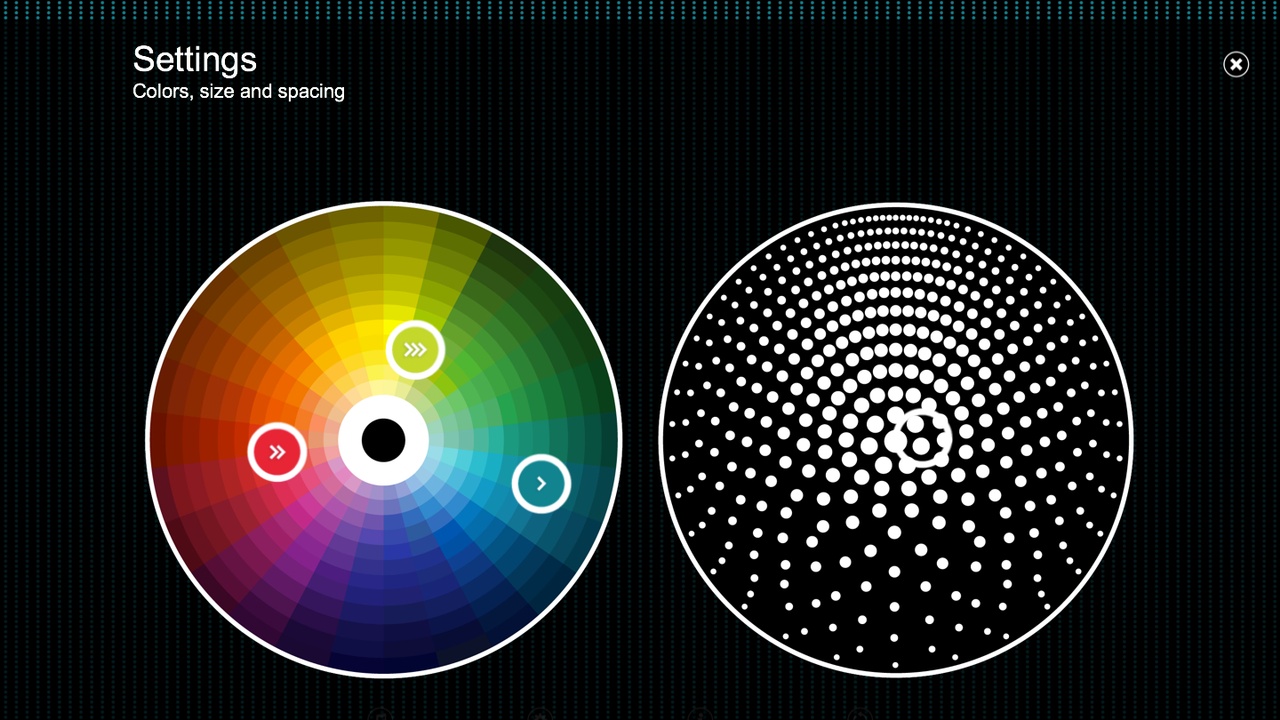
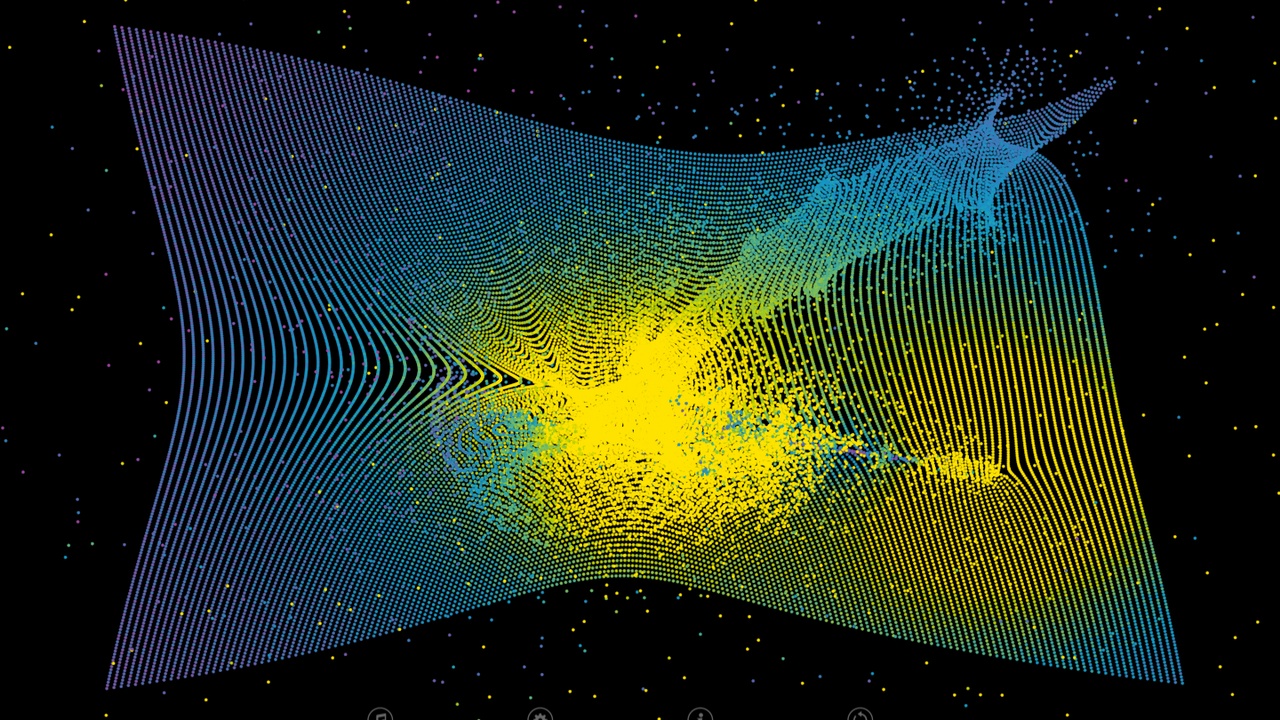
Gravilux is an interactive musical starfield visualizer. As you wiggle and wave your fingers before the screen, gravity draws simulated stars to your fingertips. You can tease and twist the particles into galaxies, or explode them like a supernova. Push in for more gravity and out for less. Make a fist for antigravity, and use all your fingers and both hands at once.
Stars are colored by speed, with three colors chosen by you. Make them dance to music from your playlist, and make a super-dense universe, or sparse interstellar space, tiny pulsars or red giants. Gravilux was first released as a work of interactive art by Scott Snibbe that was only available in galleries and museums that became a best-selling hit on iOS, Android, Kindle, and Windows, with over a million users. The app inspired Björk to work with him and his studio on the first App Album: Biophilia.
"Apps like Gravilux awaken an 'Avatar'-like sensitivity to electricity in the body, power in the palms and general connectedness." —NY Times
"Of the millions of apps out there, none quite capitalize on the sheer fun and beauty of interactivity the way that Scott Snibbe’s do.” —CoolHunting
Smaller app size
The problem I had was fixed easily by recalibrating my leap. This is a very fun app to play with. Who doesn't love a bit of particle physics?
5 out of 5 customers found this review helpful
But the controls aren't intuitive. It freezes a lot and doesn't respond as fluidely as other apps. Other than that, this app would be fun.
2 out of 2 customers found this review helpful
Maybe good if you just want to bump particles around, but it doesn't even do a great job at that.
2 out of 4 customers found this review helpful
I like this app and it is a lot of fun to play with it, but... 1. The always present controls at the bottom are annoying. 2. How does one save the artwork created? I think this is a great interactive application with a lot of possibilities, but I need a way to freeze a piece in time and export the work as a graphic.
2 out of 4 customers found this review helpful
hi i so want to use it but when launch it it says it is open but when i click on the icon nothing happens help i am a mac user
This app is amazing. It works wonderfully and looks great. As with the other reviews, my only suggestion would be an option to hide the menu, as it tends to detract from the overall experience.
7 out of 7 customers found this review helpful
The problem I had was fixed easily by recalibrating my leap. This is a very fun app to play with. Who doesn't love a bit of particle physics?
5 out of 5 customers found this review helpful
But the controls aren't intuitive. It freezes a lot and doesn't respond as fluidely as other apps. Other than that, this app would be fun.
2 out of 2 customers found this review helpful
Maybe good if you just want to bump particles around, but it doesn't even do a great job at that.
2 out of 4 customers found this review helpful
I like this app and it is a lot of fun to play with it, but... 1. The always present controls at the bottom are annoying. 2. How does one save the artwork created? I think this is a great interactive application with a lot of possibilities, but I need a way to freeze a piece in time and export the work as a graphic.
2 out of 4 customers found this review helpful
Windows 7 (x86/x64) or Windows 8 (x86/x64)
Intel i5 2ghz+ or AMD equivalent
2 GB RAM
USB 2.0
Internet Connection
15.5 MB hard disk space