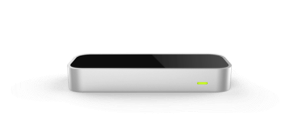

This virtual reality app requires the use of an Oculus Rift DK2 and a Rift-mounted Leap Motion Controller (using the VR Developer Mount or unofficial alternative).
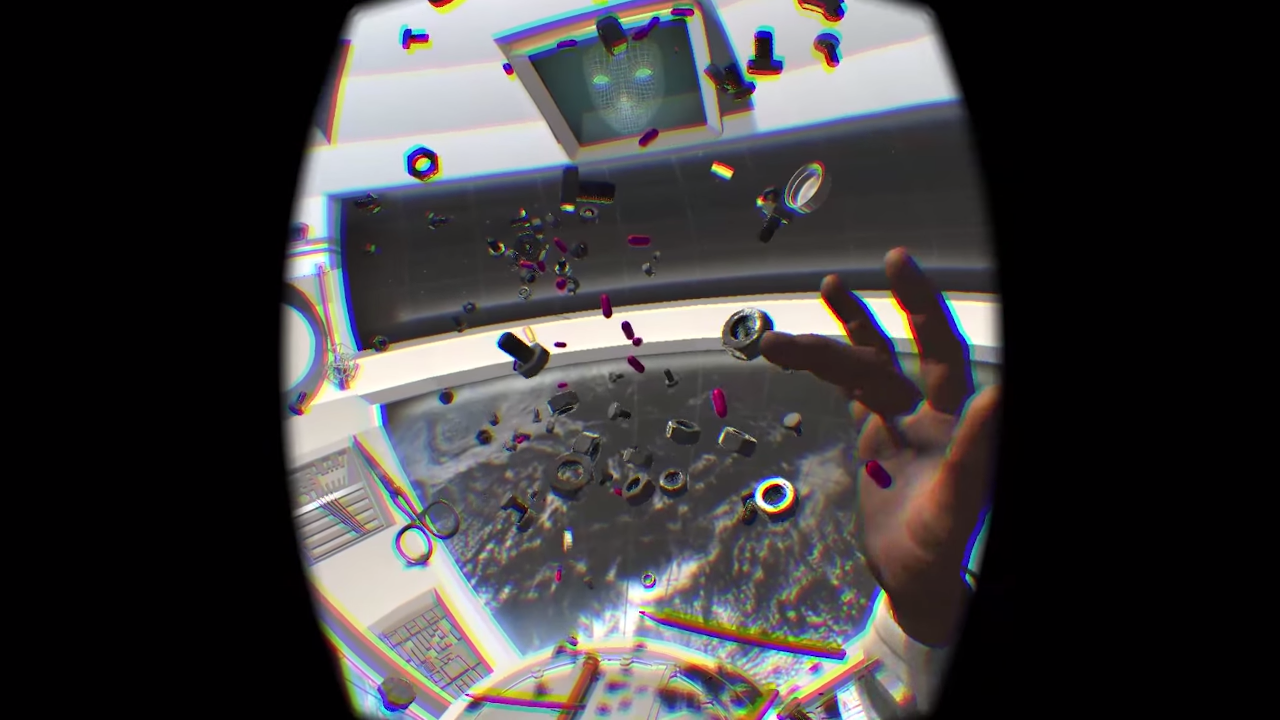
A meditative virtual reality experience about inspecting space debris in a weightless environment.
'Good morning commander.'
You roll over and yawn.
'Good morning, computer,' you mumble into the ship's dark cabin.
'Shall we start the day?'
'Only if we start it right.'
You engage the start up sequence and the soothing sound of Chris Zabriskie's piano fills the metal and plastic space.
The exterior window shutters lurch into motion and mechanically shuffle open.
Light reflecting off a nearby planet pours into the cabin revealing the space you call home.
You put out your arms and push off gently towards the center console.
A new day.
A new collection of debris to inspect.
A new set of artifacts to discover.
Features
- A variety of artifacts to nudge, poke and interact with, both human and nonhuman
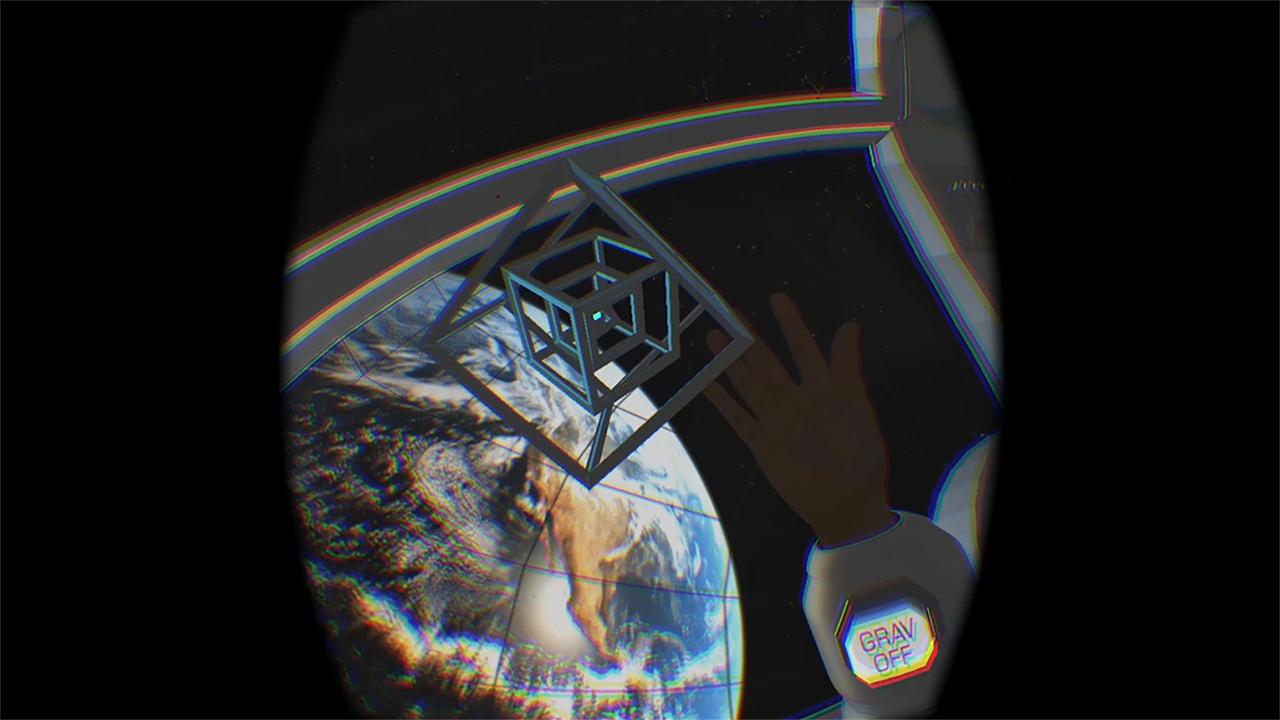
- One type of nonhuman tech (Grav Tech) which can empower your suit with new abilities
- Functional, in game music module lets you skip, rewind, pause or resume the current track
- Beautiful soothing soundtrack by Chris Zabriskie
Instructions
- Watch the How To Video guide: http://youtu.be/YETSL6ES-oE
- Read the instructions on the left in the intro scene.
Created by Martin Schubert
What's New
Version 1.0.8
Updated switcher for Win 7 compatibility
Ratings & Reviews
-
great !!
in response to KokiEliot and anyone having troubles on mac : I'm on mac too and was unable to get any of the 3D jam games working… until i found out they were all starting with wrong default resolution setting … starting the game pressing (option) enables the graphic settings screen, and then it works ! Weightless is super cool ! the view on the earth is really pacing… Controls are not so easy, and grab objects quite tough, but it still is a super cool experience !!
4 out of 4 customers found this review helpful
-
Awesome!
I realy enjoyed this Demo!I hope for more stuff to "Grab" soon.
2 out of 2 customers found this review helpful
-
Neat experience for a few minutes
It was awesome for the first 5 minutes, floating around in a space station inspecting debris is a cool idea, but it leaves quite a bit to be desired. I don't see this as an experience people will return to. I understand the current limitations of the LeapMotion sensor, and the fact that the developer had 6 weeks to create it, but I still feel like there could have been much more. On Oculus share it's listed as version 1.0.1 but it feels much more like a tech demo.
-
WTF?
Not sure why this app has been reviewed well. I have a calibrated device and it detects both hands as being upside down. Plus...what's the point? I know it's free, but I would expect some kind of review before offering any app on the store. The LEAP is such a promising device, it's apps like this that hold it back.
2 out of 5 customers found this review helpful
by Martin Schubert – January 27
Hi DanoDB Sorry to hear you didn't like the demo. Are you using your Leap mounted to an Oculus Rift? A Rift is required to play the demo. If you are using the Leap on your desktop the hands will appear upside down since they are set to 'Top-Down Tracking'.
-
Video looks great
Im on a mac and still unable to work out how to get any Oculus demos to work on a mac with DK2. Mac seems to treat 2nd displays different from Windows. Not many developers have worked this out yet.
1 out of 2 customers found this review helpful
by Martin Schubert – January 16
Hi! As Gildabass said, if the demo isn't working natively on your mac you can start the game while pressing the [option] key to enable the graphic settings screen and set the resolution to your machine's resolution.
-
great !!
in response to KokiEliot and anyone having troubles on mac : I'm on mac too and was unable to get any of the 3D jam games working… until i found out they were all starting with wrong default resolution setting … starting the game pressing (option) enables the graphic settings screen, and then it works ! Weightless is super cool ! the view on the earth is really pacing… Controls are not so easy, and grab objects quite tough, but it still is a super cool experience !!
4 out of 4 customers found this review helpful
-
Awesome!
I realy enjoyed this Demo!I hope for more stuff to "Grab" soon.
2 out of 2 customers found this review helpful
-
Neat experience for a few minutes
It was awesome for the first 5 minutes, floating around in a space station inspecting debris is a cool idea, but it leaves quite a bit to be desired. I don't see this as an experience people will return to. I understand the current limitations of the LeapMotion sensor, and the fact that the developer had 6 weeks to create it, but I still feel like there could have been much more. On Oculus share it's listed as version 1.0.1 but it feels much more like a tech demo.
-
WTF?
Not sure why this app has been reviewed well. I have a calibrated device and it detects both hands as being upside down. Plus...what's the point? I know it's free, but I would expect some kind of review before offering any app on the store. The LEAP is such a promising device, it's apps like this that hold it back.
2 out of 5 customers found this review helpful
by Martin Schubert – January 27
Hi DanoDB Sorry to hear you didn't like the demo. Are you using your Leap mounted to an Oculus Rift? A Rift is required to play the demo. If you are using the Leap on your desktop the hands will appear upside down since they are set to 'Top-Down Tracking'.
-
Best VR Leap demo available
Simply the best VR Leap demo available right now
1 out of 1 customers found this review helpful
Information
Platform: Windows
Version: 1.0.8
Size: 285 MB
Age Rating: 3+
System Requirements
Oculus Rift DK2
Windows® 7+
AMD FX™ or Intel® Core i5/i7, 2.0+ GHz quad-core or equivalent
4-8 GB System Memory
Discrete GPU with at least 1 GB VRAM
AMD 6000/7000/R9 Series or
Nvidia 600-900 Series