
You can download the following badges and image assets here.
Apps must have one Leap Motion App ID per platform, provided by Leap Motion.
An App Version must be assigned to each submission.
Developers are able to submit any version number format you choose, to accommodate apps that may already exist.
For new apps or new developers, a suggested format for your app is 1.000 for the first submission of an app. Subsequent submissions for the same app version could be 1.001, 1.002, etc. Updates to a published app could increment the primary version number to 2.000, 2.001, etc.
Apps must not be disguised as other Apps or content.
Your Profile Images are used within the Leap Motion App Store and in the the App Home application.
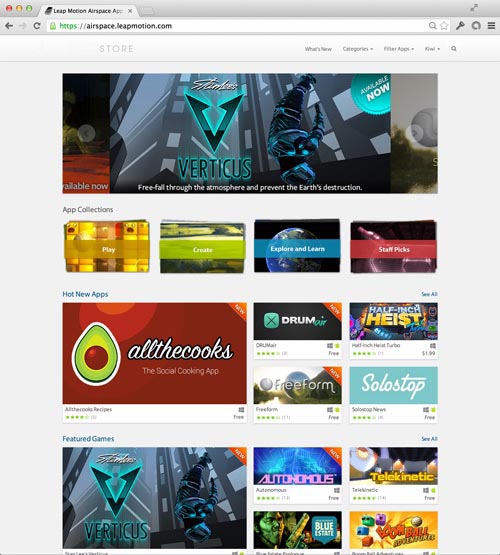
Two (2) Profile Images should be supplied:
1 Large, 490x270px .jpg file.
This asset may be used in the app store (see larger profile images above) as well as in App Home to launch the app.
1 Small, 235x100px .jpg file.
This asset is used as the default profile image in the app store.
Profile images can be rendered key art and are not limited to actual product screens.

Touchless Profile Image
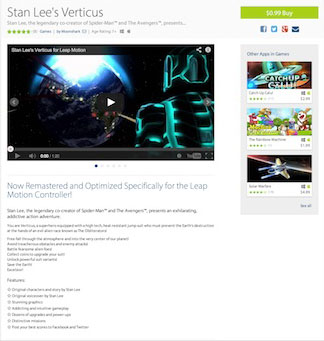
Screenshots appear on your app detail page and are a great way to show users what your app is all about.

You can also include a demo or trailer video on your app detail page. This video asset will appear in the first position (as shown below).
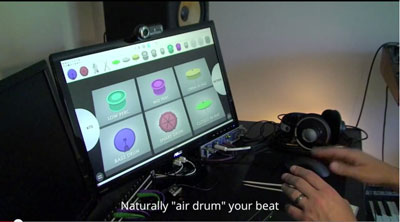
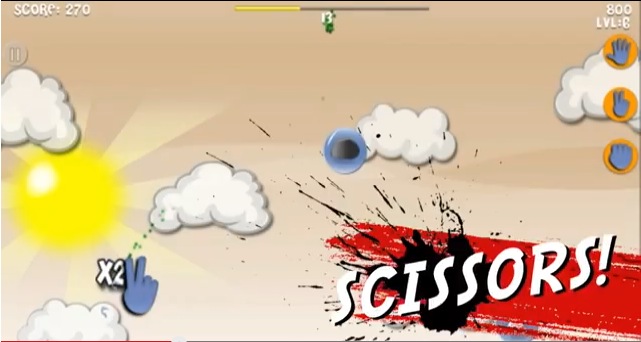
Here is a great example of a demo video that clearly shows off the app functionality and gestures (tap to launch the video).
|
AirBeats Developer: Handwavy |
|
| https://www.youtube.com/watch?v=fU4ZWAPwvcM |
|
Rock Paper Scissors Developer: Pierre Semaan |
|
| https://www.youtube.com/watch?v=Zjcc-JT0z_w |
|
BoomBall Developer: Virtual Air Guitar |

|
| https://www.youtube.com/watch?v=c4338Emvl2o |


Example of how badge should be used.
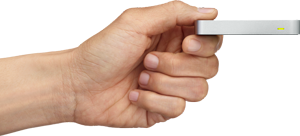
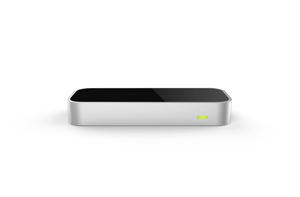
The following images can be used when discussing the Leap Motion Controller. You can download the full-resolution images here.
 |
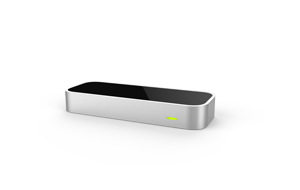 |
| Hand Device.png | Leap 3 quarter.png |
 |
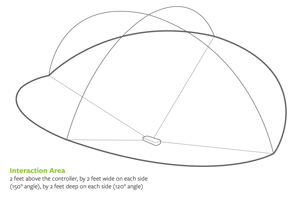 |
| Leap Front.png | Product-Leap Motion Field Of View.png |
 |
 |
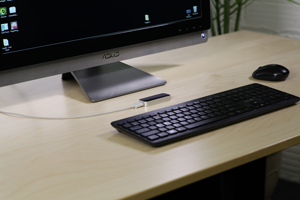
| Leap Motion Controller with Asus Desktop.png | Leap Motion Controller with HP desktop.png |
 |
 |
| Leap Motion Controller with Mac Desktop.png | Leap Motion PC Flocking.png |