
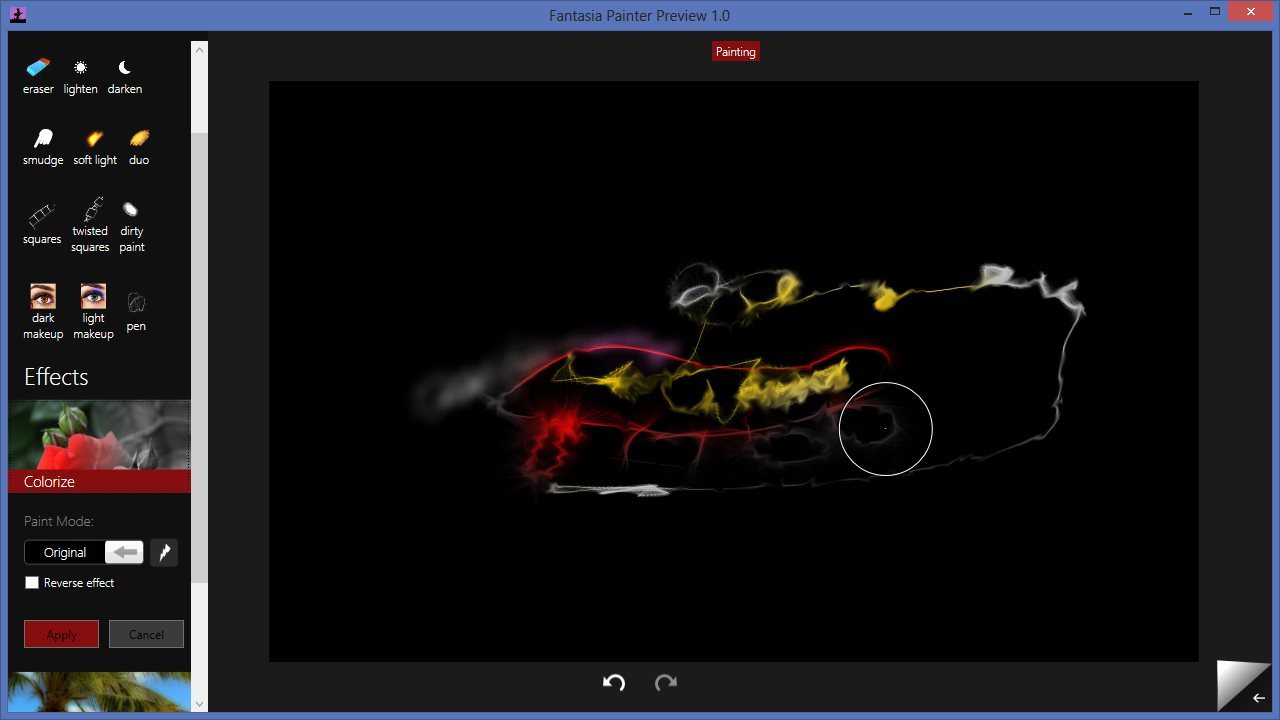
Fantasia Painter

Fantasia Painter

dat company
4.55555555555556 of 5
(9)
$3.99
Get app

Information
System Requirements

• Windows 7 (with latest service pack) or newer
• 2 GHz processor or higher
• 2 GB RAM
• 100 MB hard disk space for application files and Microsoft .NET Framework 4.5 installation files
• Additional space may be required for Microsoft .NET Framework 4.5 on Windows 7

Paint like a pro, even if newbie

Create amazingly cool photo edits and paintings easily.

Unleash your inner artist with this artistic expression tool, even if newbie in painting, and impress your friends.
Great for kids and adults!

Unlike many other paint apps

Fantasia Painter has unique brushes (e.g. Fur, Makeup, paint) that adapt to your painting style, speed, direction and nearby colors to make even simple strokes look professional.

Make some cool image manipulations

Even as early preview, Fantasia Painter's effects can be "painted" to part of image, so you can create works of art that are uniquely your own.
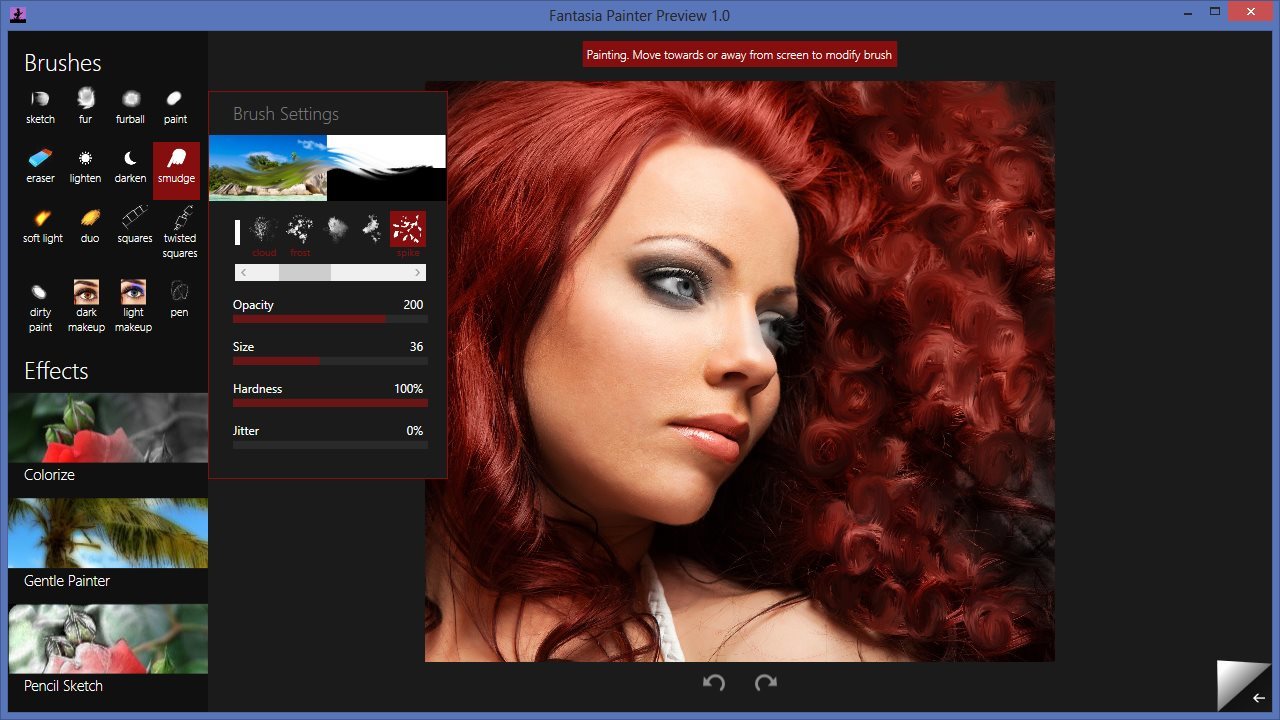
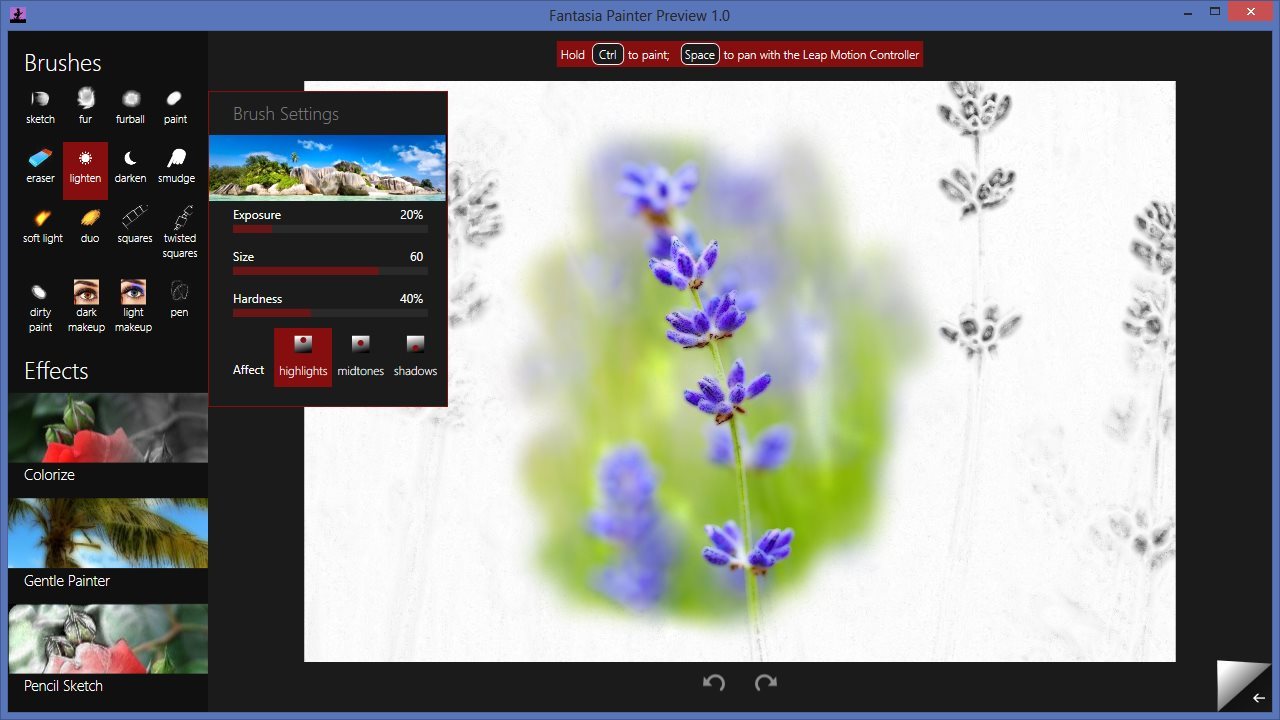
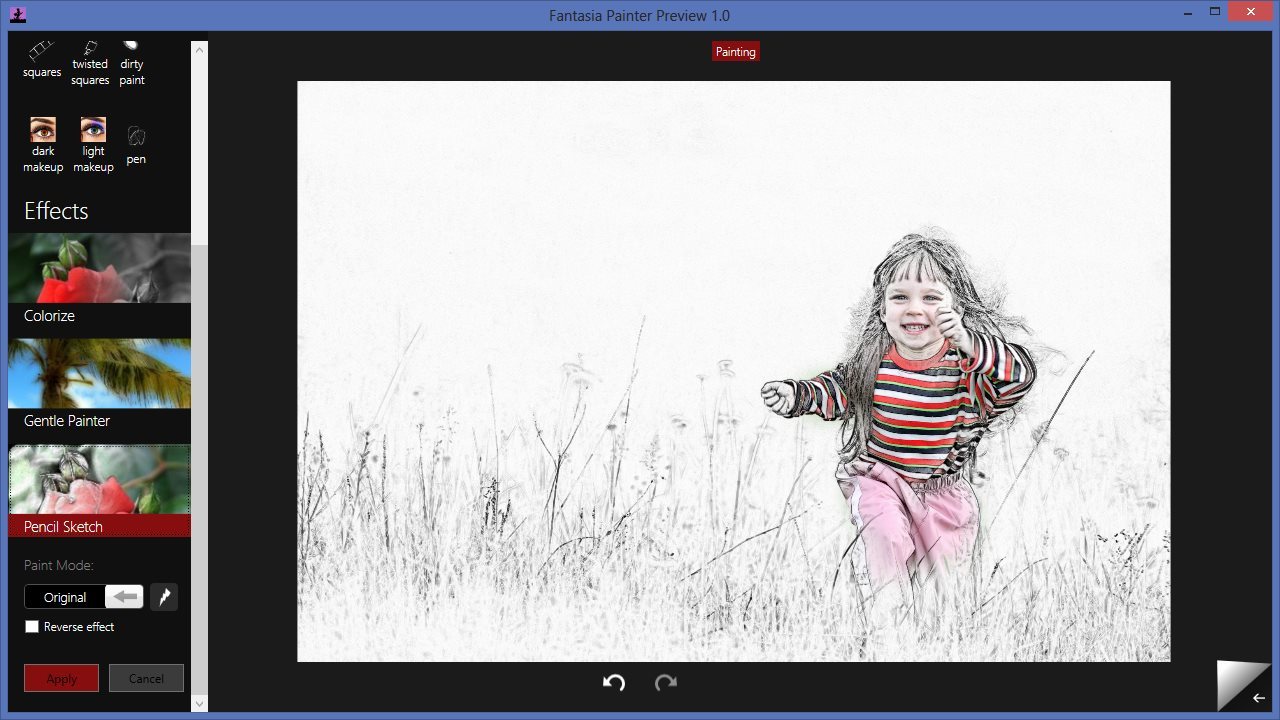
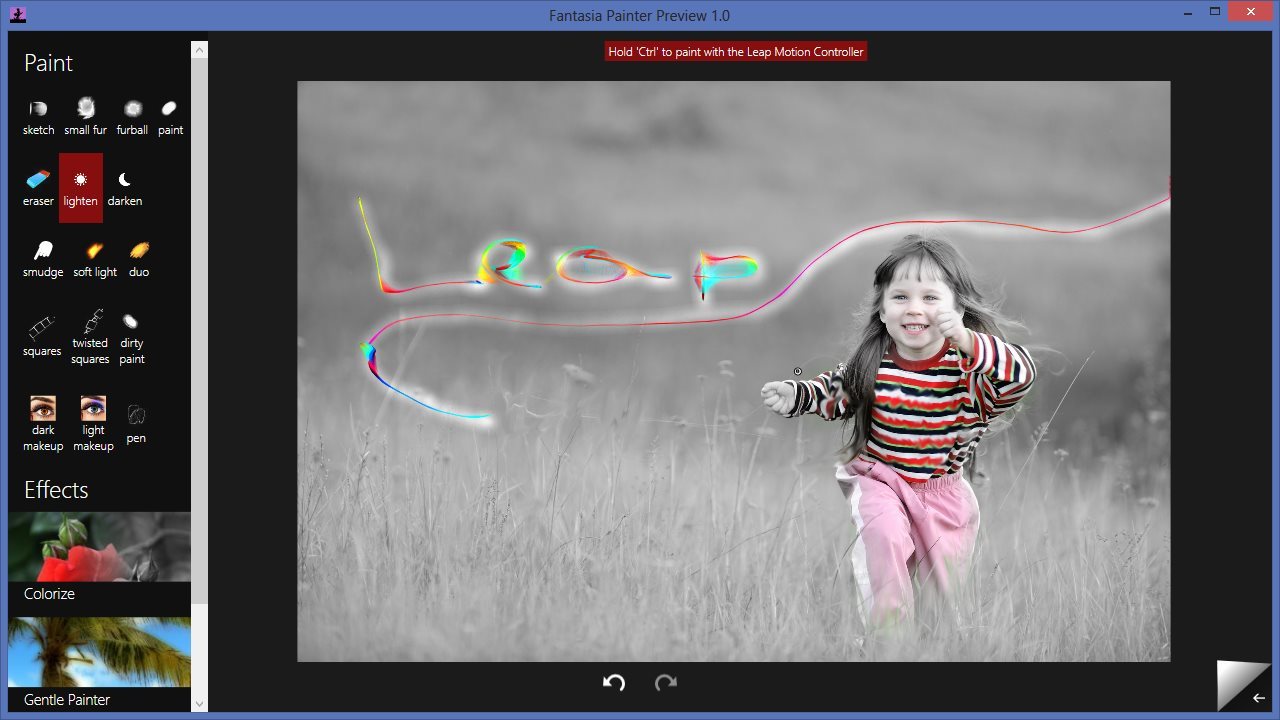
Try it now and explore the depths of your creativity! More effects and more brush options coming soon. Move your finger closer or further away from the screen for some creative tweaks on the brushes. Screenshot 1 above is created with the smudge brush. The other screenshots are created with combination of the 3 simple effects and other paint brushes.

With Fantasia you can spend less time wondering "how do I paint this?" and more time expressing yourself and having fun.

What's New

Version 1.1
What's new in Fantasia Painter Preview 1.1
  • Improved cursor size and position calculations
  • Improved overall responsiveness (multithreaded painting)
  • Doubled maximum brush size
  • Added tutorial at start
  • Improved painting on Retina displays

Ratings & Reviews

Average Rating
4.55555555555556 of 5
(9)

  • Great, but...

    4 of 5
    by user-b731e9b — August 28

    I really like the features and settings available compared to Corel (Painter freestyle)... the interface is easier to work with and there are a lot less accidental strokes since you need to hold control while painting. The only thing that makes me use Corel still though is the fact that I can't seem to zoom in on my picture in Fantasia, which makes detail/accuracy incredibly difficult.

    2 out of 2 customers found this review helpful.


  • Really good app

    5 of 5
    by mduart — August 20

    This is a fundamentally better approach to a drawing/painting app.

    1 out of 1 customers found this review helpful.


  • Good, but accurancy could be better

    3 of 5
    by bassking — August 11

    I don´t know why, but in this app the leap motion is not as accurate as in the other apps. even if i use a pen that stands till on the table, the control ist still shaking.

    1 out of 2 customers found this review helpful.


  • Surprisingly Good App UPDATE

    4 of 5
    by ryggs — August 5

    The controls for painting on this app are unique, and superior from others. But what this app lacks is an easy way to navigate menus and controls. Selecting different brush types, colors, etc. was a hassle. But once you start painting you realize why this app is great. Easily worth the $3.99. UPDATE: After playing with the app more, my main problem is that the menu where you select the brush gets in the way of the drawing itself. I usually just navigate menus and whatnot with a mouse or trackpad

    1 out of 1 customers found this review helpful.


  • Lots of potential

    5 of 5
    by KVolguin — August 6

    This main difference of this app from Corel is that instead of 'breaching an invisible surface' to add paint to the canvas, you just hold Ctrl and move your finger around wherever you want to paint. Ctrl is also used to 'click' options on the screen. This is VERY useful and gives you a much higher sense of control. You can make quick 'jabs' of paint that are impossible with Corel. The amount of options available for painting are not huge, but still useful.

    5 out of 5 customers found this review helpful.


dat company

  • Headquarters: All over the world
  • Founded: 2012
  • Staff:

We're dat Company, 1-4 developers working for fun and profit and 2000+ users that submitted feedback, the makers of Fantasia Painter

90% of new features are due to direct customer feedback.
I believe everyone is an artist - we just need the right tools to show it.

Painting with the Leap Motion Controller is really exciting! There are tons of possibilities we have yet to explore and things to make.

Developer Website