
Plug-in for Autodesk Maya 2014

Plug-in for Autodesk Maya 2014

Autodesk, Inc.
4.2 of 5
(5)

Information
System Requirements
  • Autodesk Maya 2014
  • Windows® 8 Professional edition, Windows® 7 Professional edition
  • 64-bit Intel or AMD multi-core processor
  • 4 GB of RAM minimum (8 GB recommended)
  • 2 GB of free disk space for installation
  • Microsoft® Internet Explorer®, Apple® Safari®, or Mozilla® Firefox® web browser

Imagine, Design, and Create in true 3D space!

NOTE: This is a plug-in and requires Autodesk Maya 2014.

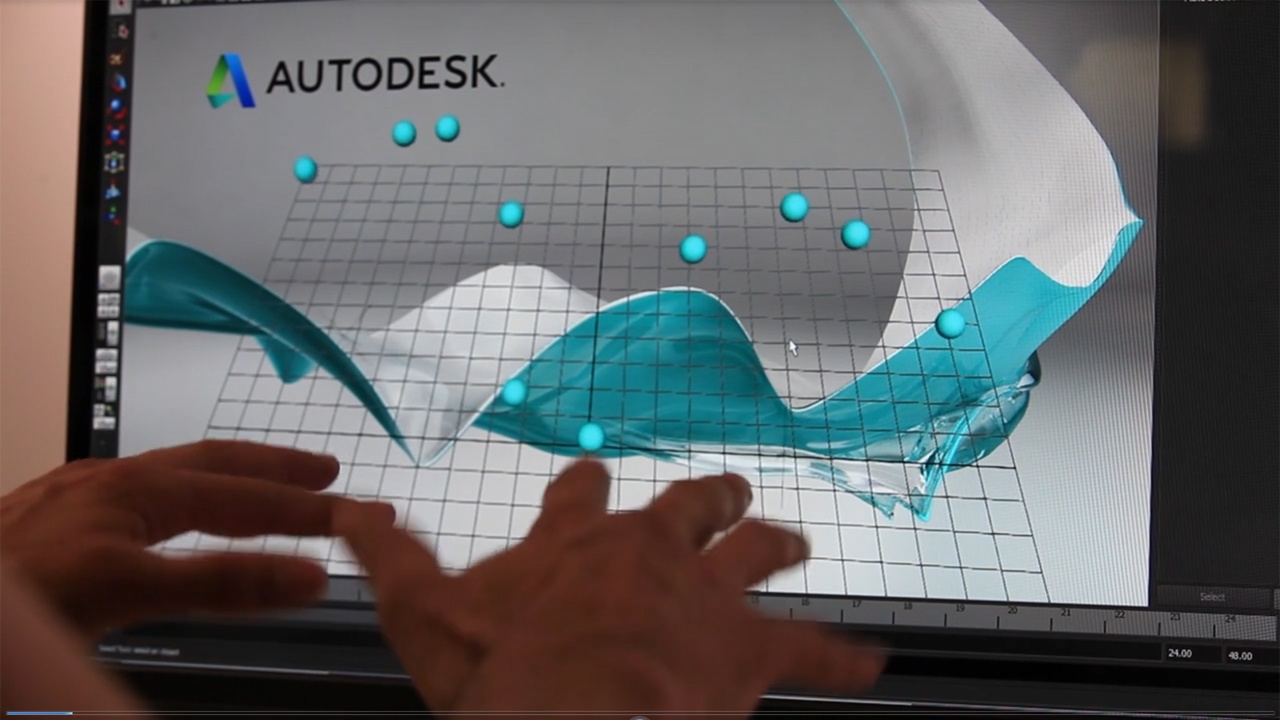
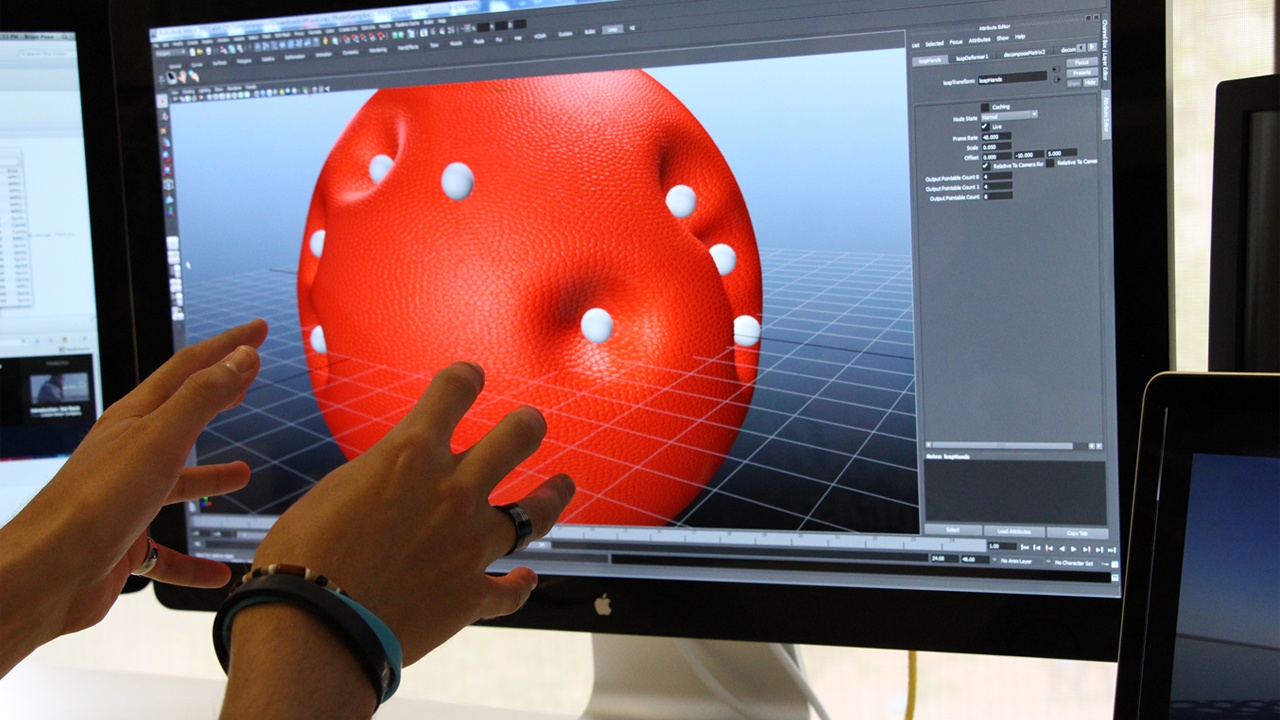
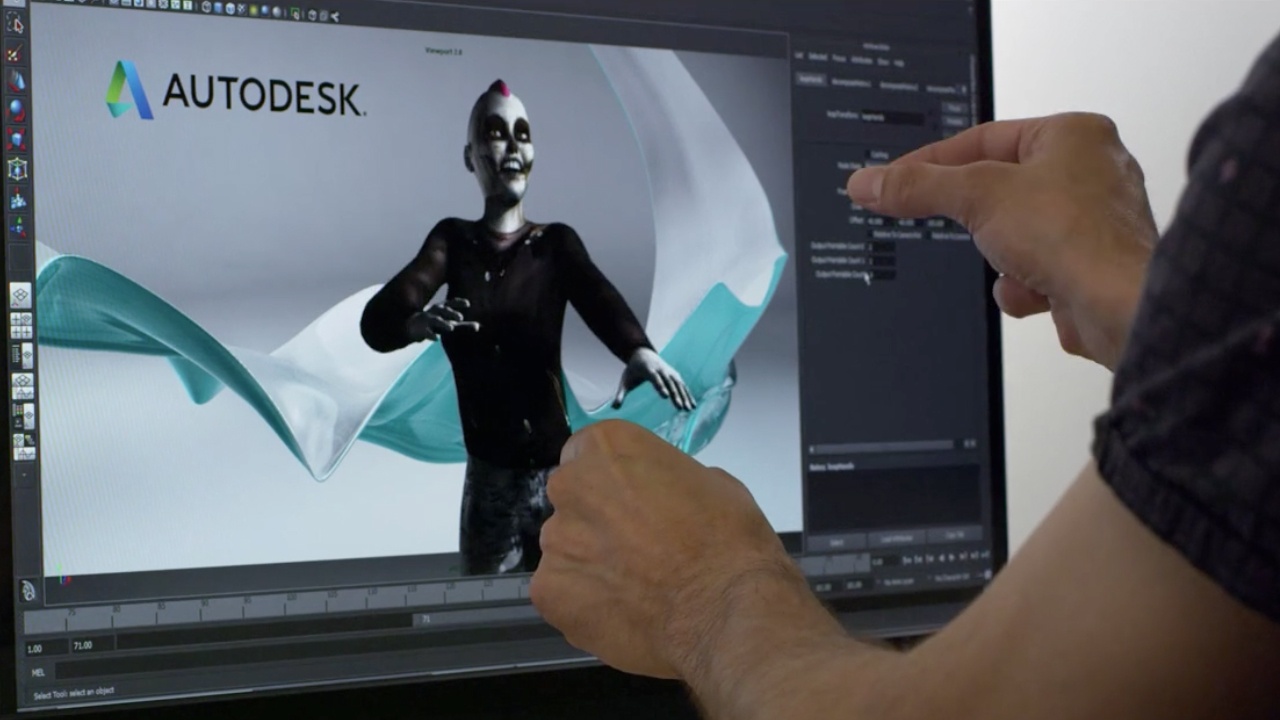
The Plug-in for Autodesk Maya 2014 enables completely new ways of interacting with 3D scenes using your bare hands in true 3D space.

It’s now easier than ever to customize interactions for use with a Leap Motion Controller to drive a vast number of scenarios within Autodesk Maya like 3D animation, modeling, sculpting, simulation, paint effects, camera controls and more!

This plug-in provides Maya users powerful yet user-friendly access to the Leap Motion control interfaces and SDKs through Maya’s C++, Mel and Python APIs.

FEATURES
  • Control almost any aspect of Maya using a Leap Motion Controller
  • Create your own custom Maya tools for Leap Motion
  • Easy scripting integration using Maya’s C++, Mel and Python APIs
SAMPLE FILES AND VIDEO TUTORIALS
  • Download Link: http://area.autodesk.com/MayaLeapPlugin/

We want your feedback! Please review the Plug-in on the Airspace Store and send your suggestions for improvements and features to: MayaLeapFeedback@autodesk.com.


Ratings & Reviews

Average Rating
4.2 of 5
(5)

  • Neat!

    4 of 5
    by NanoGator — August 8

    So basically you get this running and when you move your hand over the Leap controller a few locators appear in the scene that mimic your moves. Admittedly I'm not sure what to do with this, but the elegance of how they got it running means it will be dirt simple to try a bunch of things out. Autodesk: PLEASE create a LeapMotion device for MotionBuilder. That would, without a doubt, have a lot more use given that it can record your motion.

    2 out of 2 customers found this review helpful.


  • Great tool! Now let's make it more productive

    4 of 5
    by Tonyciuffo — August 6

    It's amazing the way this controller integrated himself in Maya's node, but still miss something to make it more productive. I really appreciate the choice of leaving the user totally free to program the device depending on its needs, but maybe some built-in script on the shelf can help a non-programmer user to interact better with the device (I.E. a camera motion controller, a built-int gesture dictionary to use/move tools). In any case i'm totally satisfied with the purchase, go ahead! ;)

    1 out of 1 customers found this review helpful.


  • please mac version

    5 of 5
    by arterror — August 9

    please mac version I can't wait pk

    24 out of 26 customers found this review helpful.


  • Nifty

    4 of 5
    by Michael — August 9

    It's definitely a good idea to check out the Autodesk AREA tutorials for the plugin, they show where the demo scenes are installed and talk through a couple of ways you can use the Leap controller. I like the way it's been implemented as it gives the user much more flexibility, but for someone new to Maya or expressions it's more difficult than having a load of prebuilt scripts. http://area.autodesk.com/MayaLeapPlugin/

    9 out of 10 customers found this review helpful.


  • Definitely A Lot Of Potential

    4 of 5
    by Felix35071 — August 6

    My first thought when I started was "I have no idea what I'm doing". Features are not clear, and the tutorials skip steps (Installing expressions). Actual functionality is behind a steep learning curve, which seems to be the main difficulty of the Leap. 4/5 IF I knew how to use it properly, I could do some crazy things. Expressions should be built in. I was hoping to be able to sculpt immediately after turning it on, but found a line of hurdles to go through before getting it to work.

    17 out of 18 customers found this review helpful.


Autodesk, Inc.

Autodesk, Inc.
Autodesk, Inc.
  • Headquarters: San Francisco, USA
  • Founded: 1982
  • Staff: 7500

Autodesk, Inc. is a world leader in 3D design software for entertainment, natural resources, manufacturing, engineering, construction, and civil infrastructure.

Developer Website