/

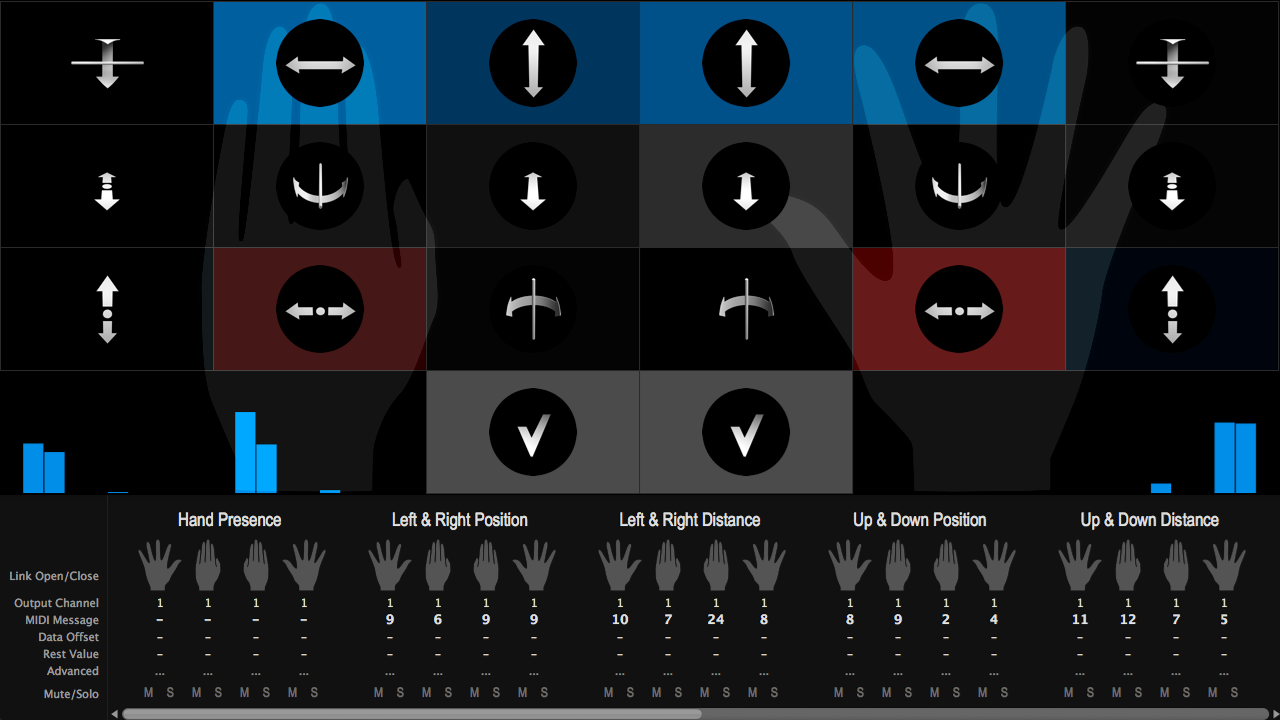
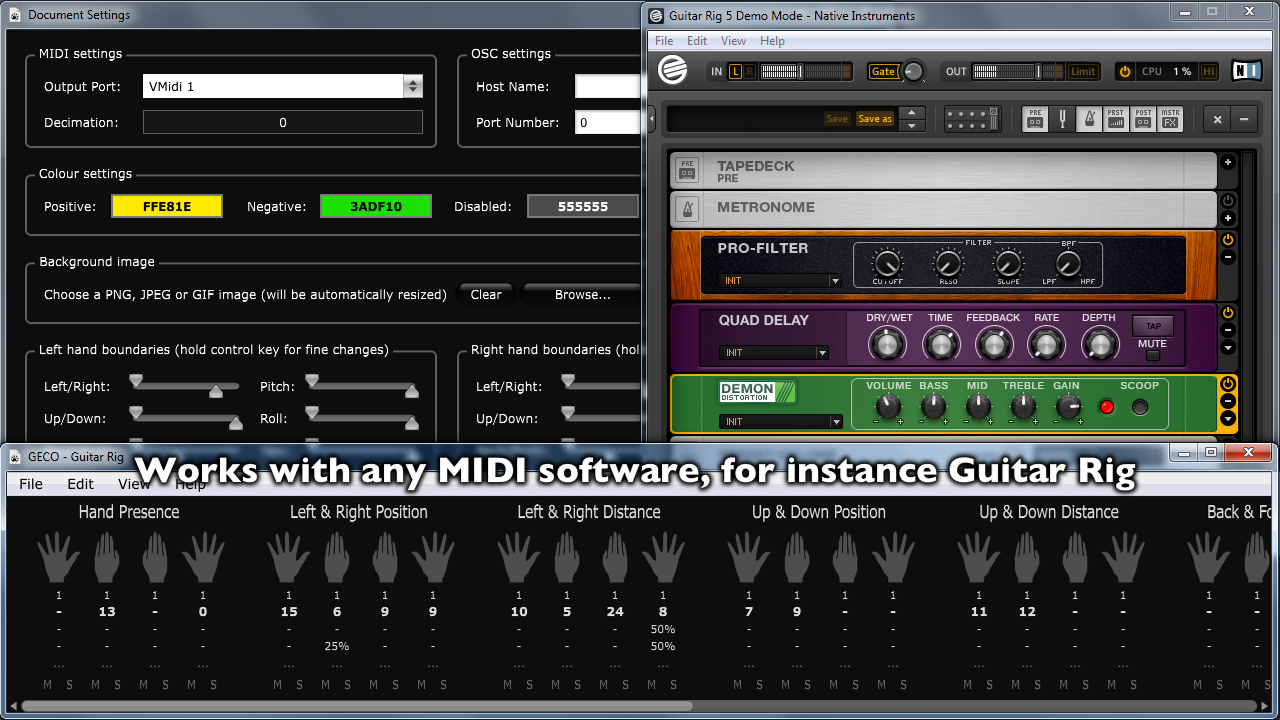
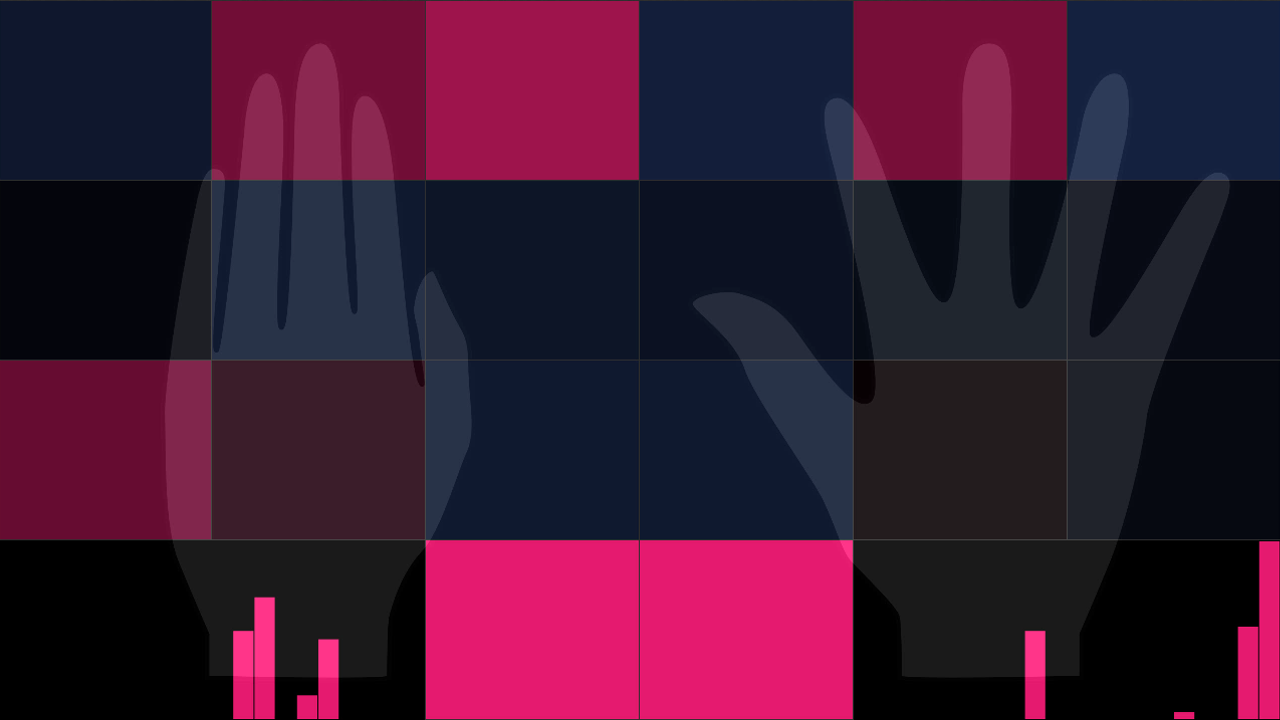

Please contact us through the product website if you need assistance with using GECO. We'll get back to you as quickly as possible. Additionally, on the website you'll find an extensive collection of video tutorials to help you get started and a user forum to exchange tips and tricks.
GECO is one of the easiest and most powerful solutions to interact with MIDI/OSC/CopperLan through touchless control. Our custom multi-staged processing engine ensures an extremely low processing overhead and near zero latency, while still providing you with beautiful real-time visual feedback and powerful customization capabilities. GECO has been designed for live performance and quick configuration during rehearsal by industry professionals that have years of experience with high-speed low-latency electronic music software.
GECO doesn't produce or manipulate sound directly, its purpose is to control other software or hardware that understands MIDI, OSC or CopperLan.
Hi, I want to use the app on another computer, but I have the message "You've already installed this app on the maximum number of devices". If I put the first one in the App Home's trash it doesn't change anything. How can I reset or delete it from previous computers to allow a "fresh" new install ? Thanks !
8 out of 8 customers found this review helpful
When I launch Gecco Midi it says you have already installed on maximum number of devices..plzzz help..
2 out of 5 customers found this review helpful
Great App, I use it with Jeskola Buzz (an amazing software, with incredible control machines), the modes " closed open" are perfect, sound is a 4 dimensions space, we can control 3 easily with just one hand (dynamic, frequency and spectrum). Very intuitive, very ergonomic, you can make a complete new setup in 2 minutes, so, thanks for these nice pieces of code, and this friendly price. What is the best lighting for the Leap Motion?
1 out of 1 customers found this review helpful
After the latest update my FL studio cant recieve any midi data from GECO ,waiting for fix or a rollback :( EDIT: Found the problem its was copperlan it needed a reinstall
1 out of 6 customers found this review helpful
waist of money,,, keeps looking for internet connection will not load in serria
Hi, I want to use the app on another computer, but I have the message "You've already installed this app on the maximum number of devices". If I put the first one in the App Home's trash it doesn't change anything. How can I reset or delete it from previous computers to allow a "fresh" new install ? Thanks !
8 out of 8 customers found this review helpful
Well, you can see my first test run here: http://www.youtube.com/watch?v=Gj6wtolxL2k I had fun.
6 out of 6 customers found this review helpful
A well thought out app that is really useful for anyone with midi devices, not just a demonstration of leap technology. Its easy to setup, has great support by the developer. Thanks Geco!
5 out of 5 customers found this review helpful
Finally a software dedicated to make natural organic movement by the body a key piece of music making. Geco has a straightforward interface and takes minutes to learn and master. The support and community around Geco is reason alone to get the software and see where it takes us in the future.
6 out of 7 customers found this review helpful
I pre-ordered the Leap Motion specifically with plans to use it as a MIDI controller. This the only MIDI app I've tried for Leap but I can't see myself needing to try any others - this does everything I wanted and more. The fact that Geco is automatically picked up as a MIDI input was a nice surprise, and the configuration options for gestures are simple, effective and well thought out (Rest Value is really useful!) Highly recommended, especially for experimental/electronica artists.
4 out of 4 customers found this review helpful