/

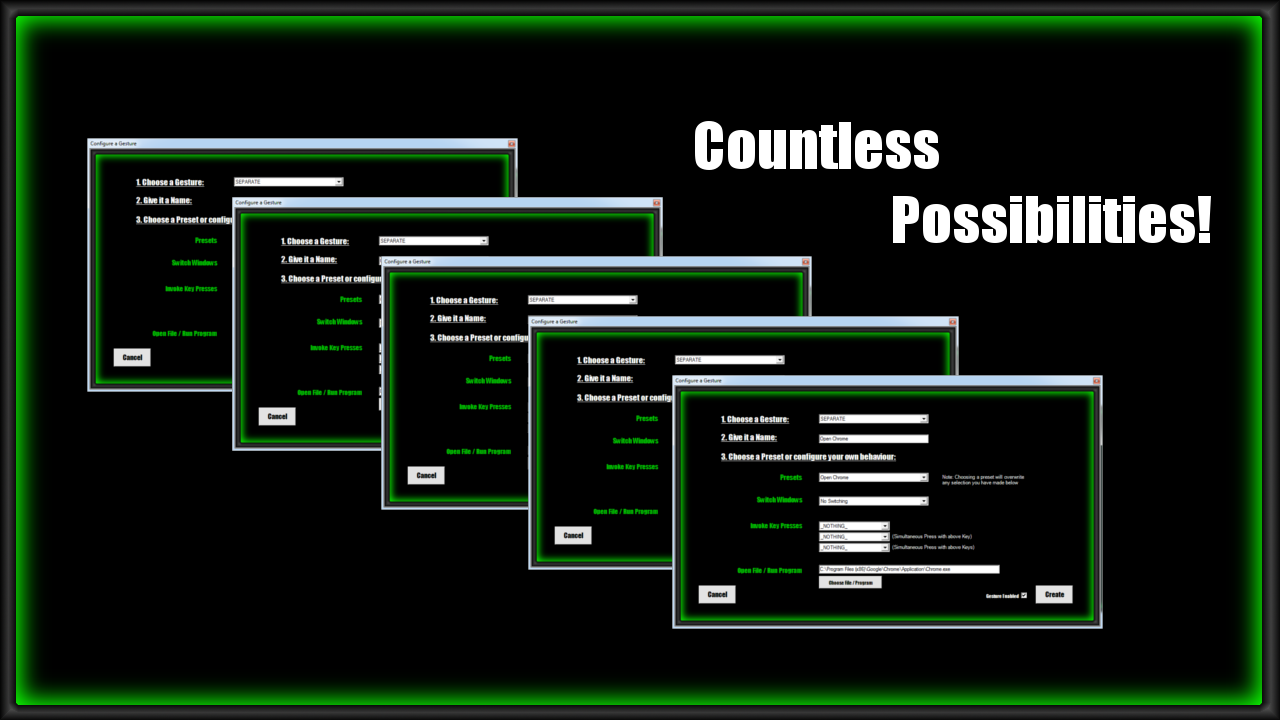
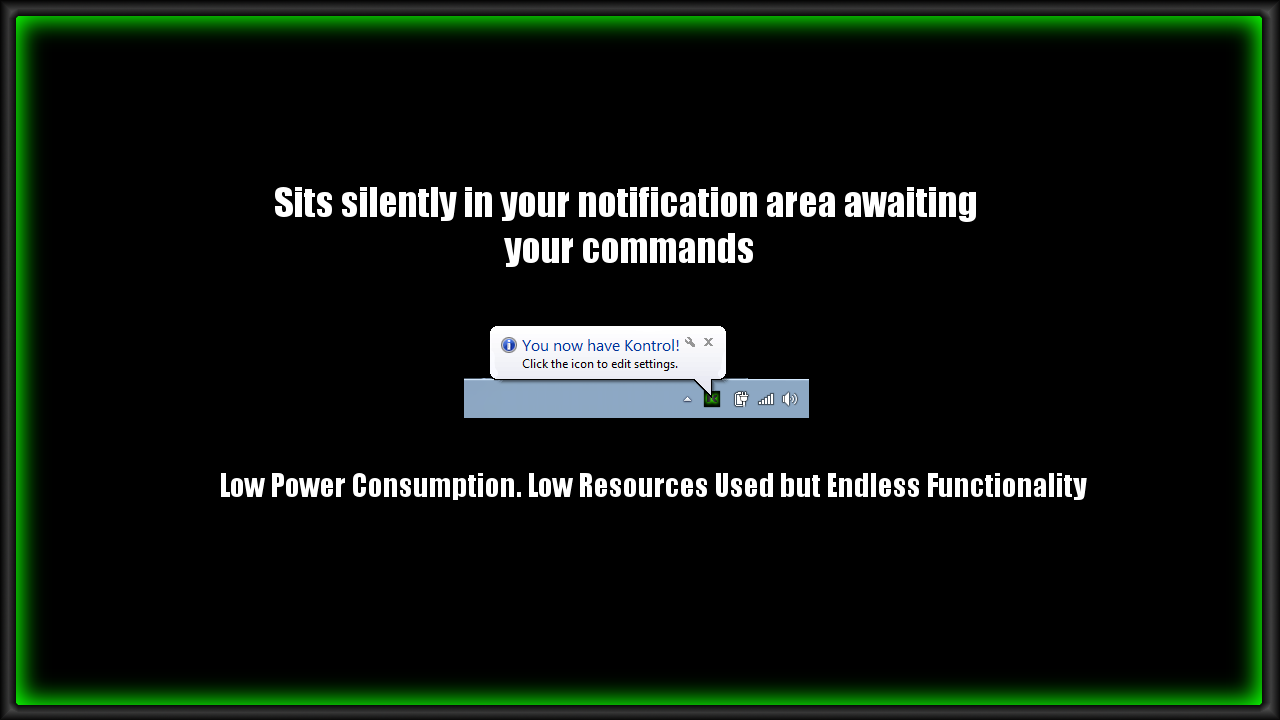
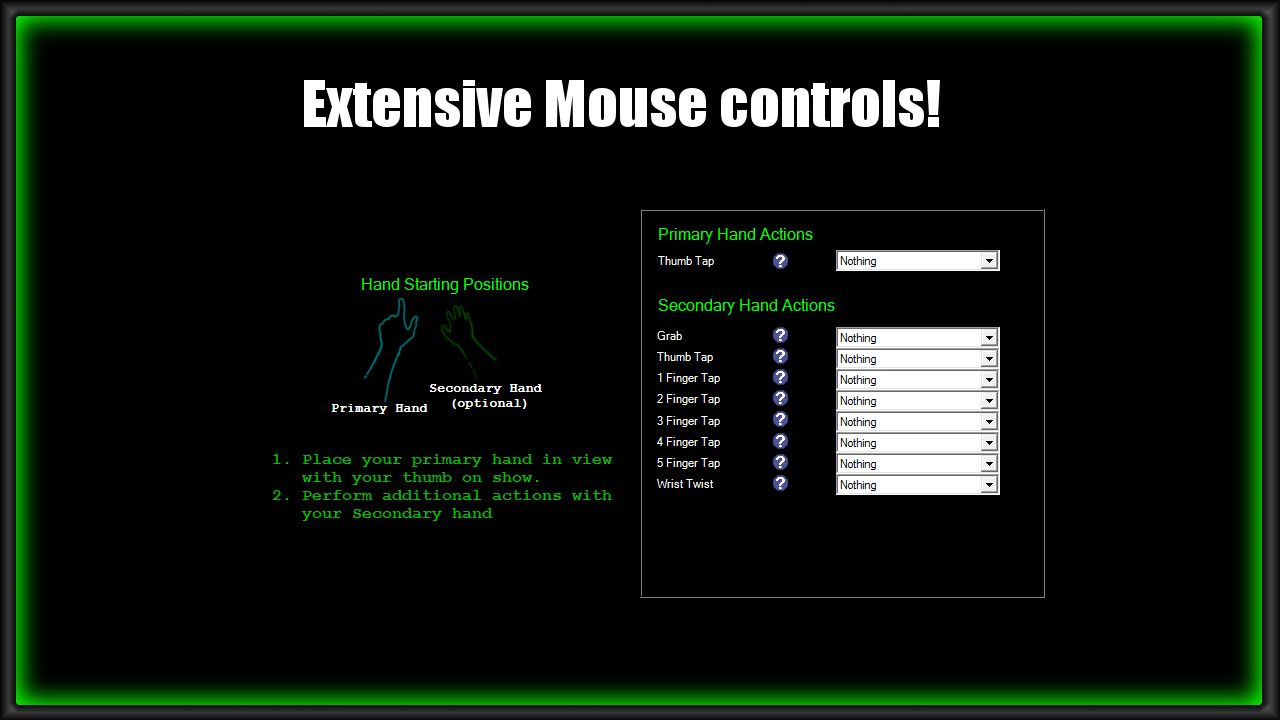
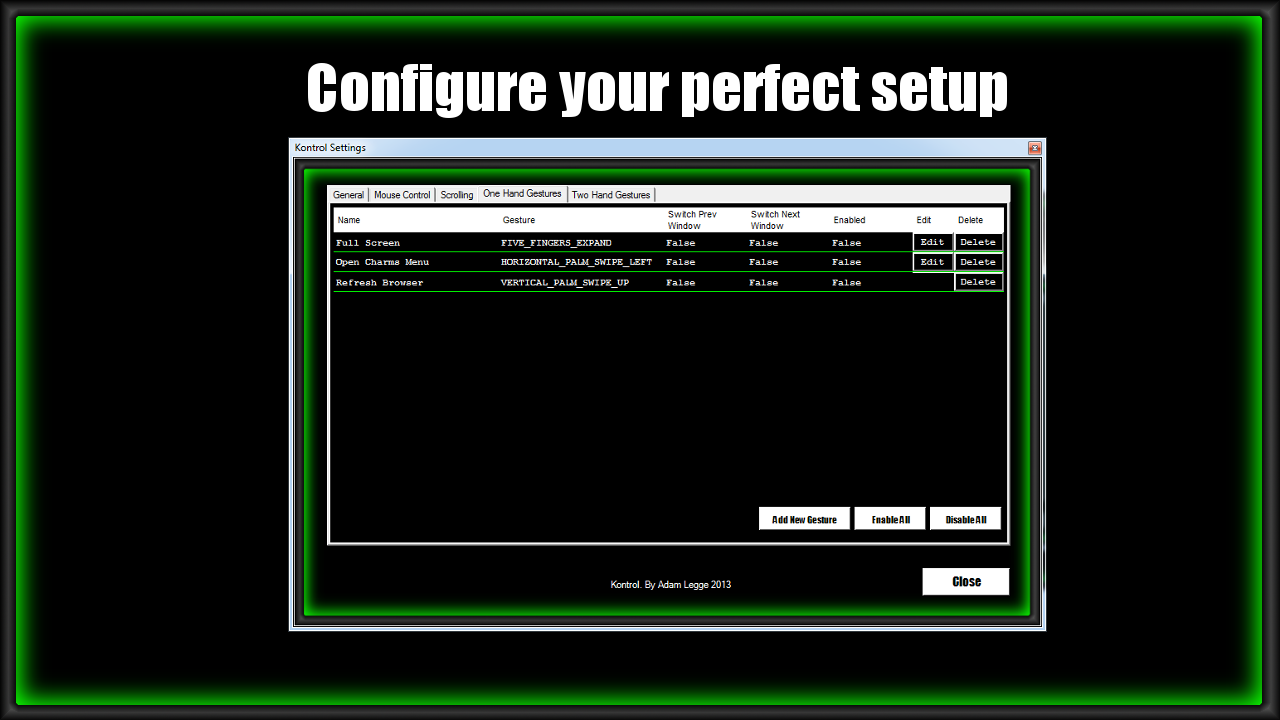

This versatile app sits in your system tray and enables you to configure a whole host of one and two hand gestures to do just about anything you could want to do on your computer.
I hope you enjoy this all encompassing productivity app.
SeekPi
If you find any issues or have any comments or requests for further functionality then hit the Leap Motion forums or send me an email at the support link and I will get back to you as soon as I can
Better than other Leap-PC control apps - more settings for controls and sensitives. Only this app work properly with everything. But it has very weird interface. Some lags in bottom of screen with thumb tap. Some limits in mouse control with open thumb, comething connected Sensivity Setting Mouse Control Area. I'd like that be reverse Monitor Configure Setup - limits in space with Leap Control to monitor.
4 out of 4 customers found this review helpful
Hello ,why mouse not getting actions if Kontrol not in the top window or focused ?
I can't even get it to open. I have tried to redownload it multiple times, run as admin, everything and nothing works. It just goes to loading and then nothing. I really just want a refund but not sure who I can even talk to about that.
Thumb tap does not work : - Set Primary Hand to Right hand - Configured Primary Hand thumb tap as Left Click Left click never works, even though I change the Min Tap Speed and Min Tap Distance...
Better than other Leap-PC control apps - more settings for controls and sensitives. Only this app work properly with everything. But it has very weird interface. Some lags in bottom of screen with thumb tap. Some limits in mouse control with open thumb, comething connected Sensivity Setting Mouse Control Area. I'd like that be reverse Monitor Configure Setup - limits in space with Leap Control to monitor.
4 out of 4 customers found this review helpful
Kontrol is the best of the Leap Motion apps for controlling software of the Adobe music and video software programs (Audition and Premiere).
4 out of 4 customers found this review helpful
I've only had the app for 15 minutes, but already I can agree with those who say this is the best app yet. True, the user interface is reminiscent of the 80's, but the features it brings are second to none. If like me, you purchased your Leap as an alternative to your mouse and were disappointed from day 1, then get this. 3$ is little to pay to finally get to use your Leap for more than some silly pointless games and novelty apps. Looking forward to your next update! (More Presets?)
3 out of 3 customers found this review helpful
Mouse movement is choppy; I get the cursor where I want, make a fist so that I can click with the left and and just in the process of making a fist with the right hand the cursor moves off-point. Also using two hands to a control mouse-like features is annoying.
4 out of 6 customers found this review helpful
HI, For me, impossible to launch the application, "leap.leap.PINVOKE" error prevents me from continuing. Who else has this kind of problems? problem solve thank
4 out of 6 customers found this review helpful