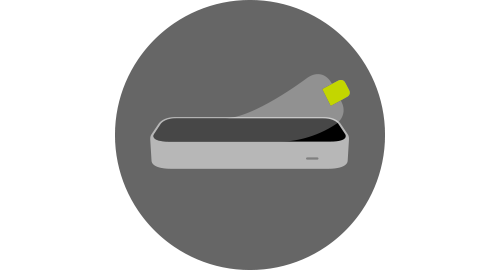
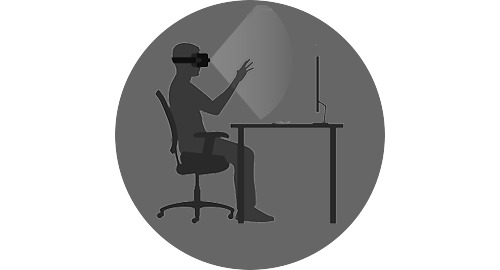
Desktop Setup Peel off sticker Remove the sticker from the top of the controller. Plug into your computer Use the USB cable included in the box. The shiny side of the controller faces up and the green light faces towards you. Get ready Download the core software below. For virtual reality, follow our VR Setup Guide to attach the controller to your headset: VR Setup Guide Download for Windows Or download our V2 softwarefor Windows, Mac, or Linux. Dive in to the future of VR with our Orion beta software.DEVELOPER SDK › Minimum system requirements