BetterTouchTool
Configure Gestures To Do Anything On Your Mac
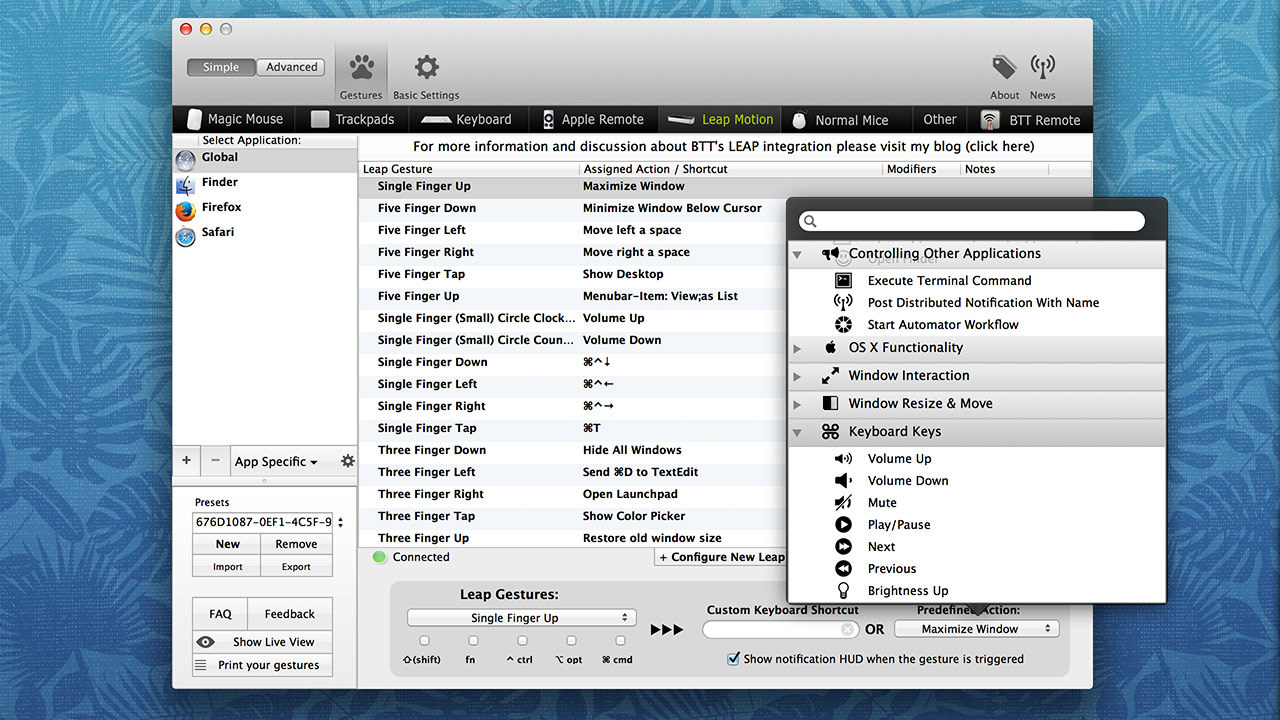
BetterTouchTool is a great, feature packed application that allows you to configure many gestures for your Leap Motion Controller, Apple's Magic Mouse, Macbook Trackpad and Magic Trackpad. It also allows you to configure actions for keyboard shortcuts, normal mice and the Apple Remote. In addition to this it has an iOS companion App (BTT Remote) which can also be configured to control your Mac the way you want.
BetterTouchTool includes many goodies, like window snapping or an integrated window switcher.
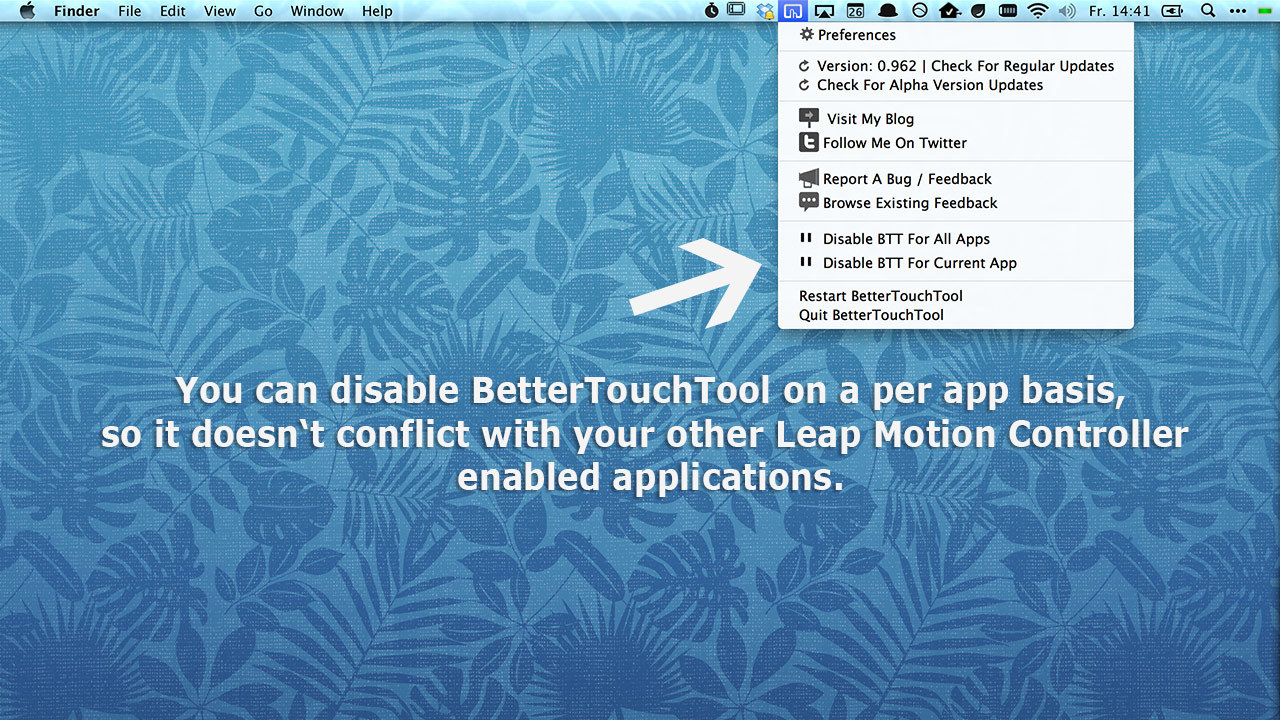
You can set up application specific gestures, but also global ones. You can disable BetterTouchTool for specific apps in case the gestures you set up would conflict with that app.
Leap Motion Controller Gestures
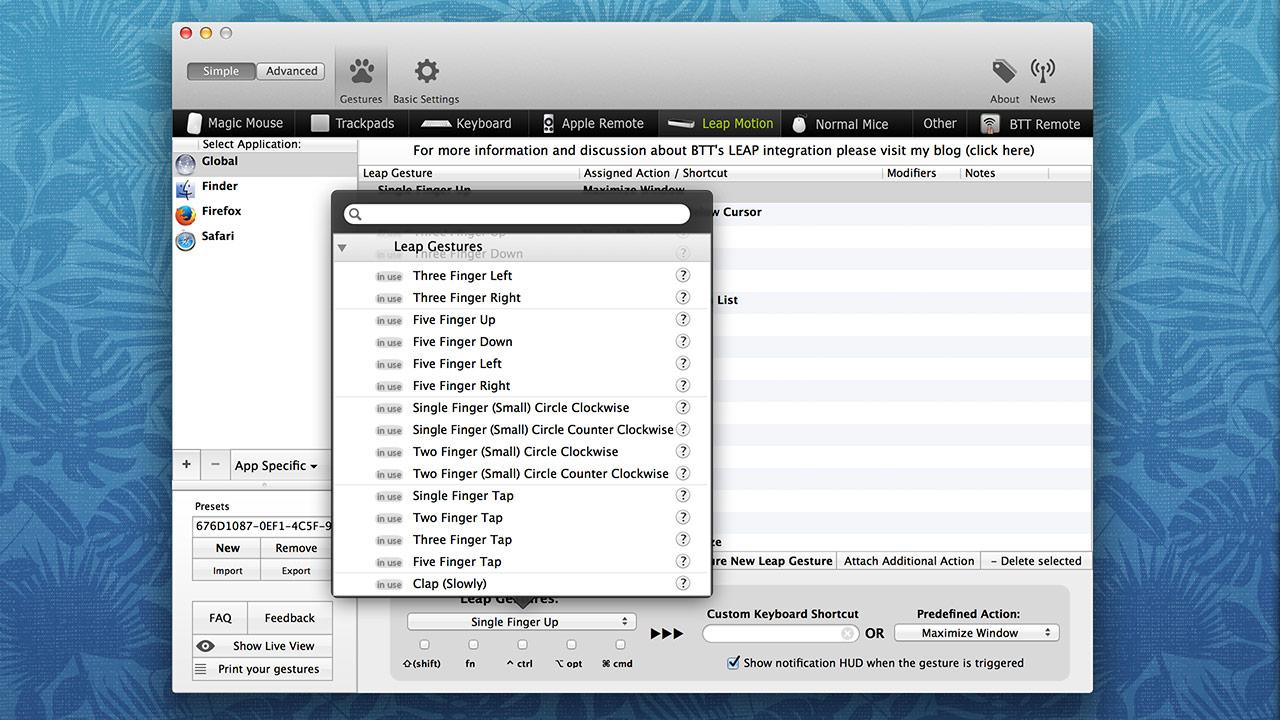
BetterTouchTool's Leap Motion Controller support is in it's early development stages and will continue to improve fast. Currently it supports 27 gestures that can be set to do and control almost anything on your Mac.
Leap Motion Controller Mouse Control
BetterTouchTool now allows you to move your mouse cursor, click and scroll with your Leap Motion Controller. In contrast to other mouse control approaches BetterTouchTool allows you to rest your arm on the table. You only have to point with your fingers to move your mouse or click. If you encounter issues using the mouse control, please contact me.