Showing all posts tagged: firstleap

The Hottest Gift of 2013 (and Under $80)

Our tiny little device is making a big splash this holiday season. The Leap Motion Controller, which plugs into your Mac or PC, lets you control apps with the wave of a hand. Paint or sculpt clay in the air, drive a car, fight evil robots, explore the universe – it’s amazing what you can do with just your hands. From small kids and home chefs to tech lovers and avid gamers, the Leap Motion Controller is the perfect present for everyone on your list. Maybe that’s why we’ve been featured in such a wide variety of holiday gift guides:

Airspace, the Leap Motion app store, has something for everyone on your list:

If you act fast and order online today (Dec. 17, 2013), you can still get the Leap Motion Controller in time for Christmas (in the US) for that special someone on your list (even if that special someone is you)! It’s also available at Best Buy stores throughout the US and Canada, and a variety of international retailers. Happy shopping!
Try Your Hand at these Apps for OS Interaction

Over the last two weeks, lots of people have taken their #FirstLeap with OS interaction using the Leap Motion Controller. While traditional interfaces are designed for 2D interactions, our developers are exploring new ways of bringing 3D interactivity to your desktop.

At Leap Motion, we want to enable you to choose your favorite OS apps to use. We’ve been excited to see the debut of three new OS interaction apps on the Airspace Store since our launch, and we expect more on the way. Here are the five apps currently available that allow you to reach out and take control of your computer.

image

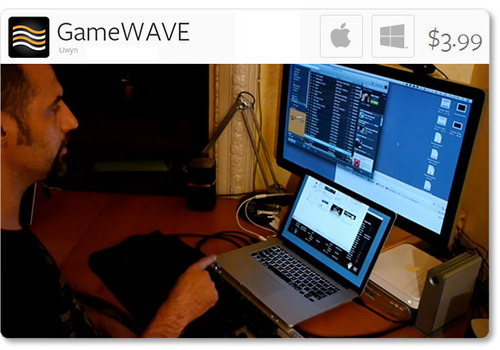
Uwyn’s GameWAVE, available for Mac and Windows, recently debuted in Airspace. It allows you to completely control keyboard and mouse-based video games, as well as your OS. Assign actions to different gestures and make them correspond to what your favorite games are expecting.

Highlights

  • alternate between trigger and steering modes
  • 20 distinct swipe and circle gestures, 6 continuous movement
  • directions, and several other configurable gestures
  • wide variety of supported actions that can be mapped to gestures

image

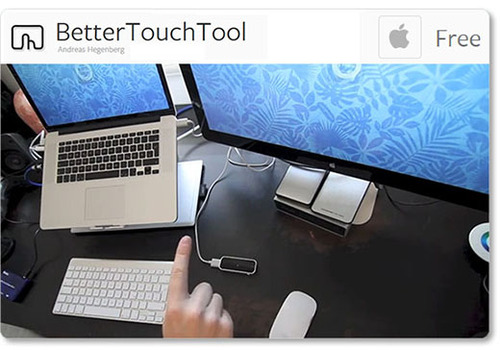
One of the highest-rated apps on the Airspace Store, Andreas Hegenberg’s BetterTouchTool is a highly customizable free app for Mac OS X. It currently supports 25 gestures, which can be mapped to keyboard shortcuts and your mouse.

Highlights

  • works with the Leap Motion Controller, Apple’s Magic Mouse, Macbook Trackpad and Magic Trackpad
  • create application-specific gestures and global gestures
  • disable interaction for specific apps

Created for OS X by AppCannon Software, Swish allows you to easily switch between different apps, control your music, and bind gestures to keyboard shortcuts and other pre-defined actions.

Highlights

  • music options include changing system volume and selecting a song to play
  • easily accessible App Switcher
  • gesture sensitivity options
  • beta Cursor Control system

imageimage

The Touchless apps for Mac and Windows represent a first step towards bringing Leap Motion control to traditional OS interaction. Available for free on the Airspace Store, they allow you to browse the web, open applications and documents, and control menu items.

Highlights

  • click by pointing your finger towards the screen
  • scroll by swiping multiple fingers in the air
  • zoom in and out by pinching your fingers

Since launch, we’ve heard lots of constructive feedback about the Touchless apps from the Leap Motion community. We’re thankful for your comments, and our team is continuing to refine the software and improve the Touchless experience. You can join the conversation and let share your thoughts on our OS interaction forum thread.

These five apps are just the beginning, and we can’t wait to see what our developers will build next. We’d like to hear about your experiences with Leap Motion OS interaction, and what you’d like next from our developer community. Let us hear what you have to say on our forum thread.

#FirstLeap: 5 Interactive Websites for Leap Motion

While Airspace has more than 75 apps and continues to grow, there’s even more that you can do with your Leap Motion Controller. Developers around the world have been working with our JavaScript API to experiment with interesting new web experiences.

From particle systems to creative tools, here are five interesting Leap Motion-enabled experiences for the web. Before you try them, make sure your device’s green light is on, and that you have checked the “Allow Web Apps” box in the Leap Motion Control Panel (General tab). We recommend Google Chrome for these apps. Our developers keep making amazing things, and we’ll keep sharing more web and Airspace apps as they come in.

Cabbibo’s Leap

image

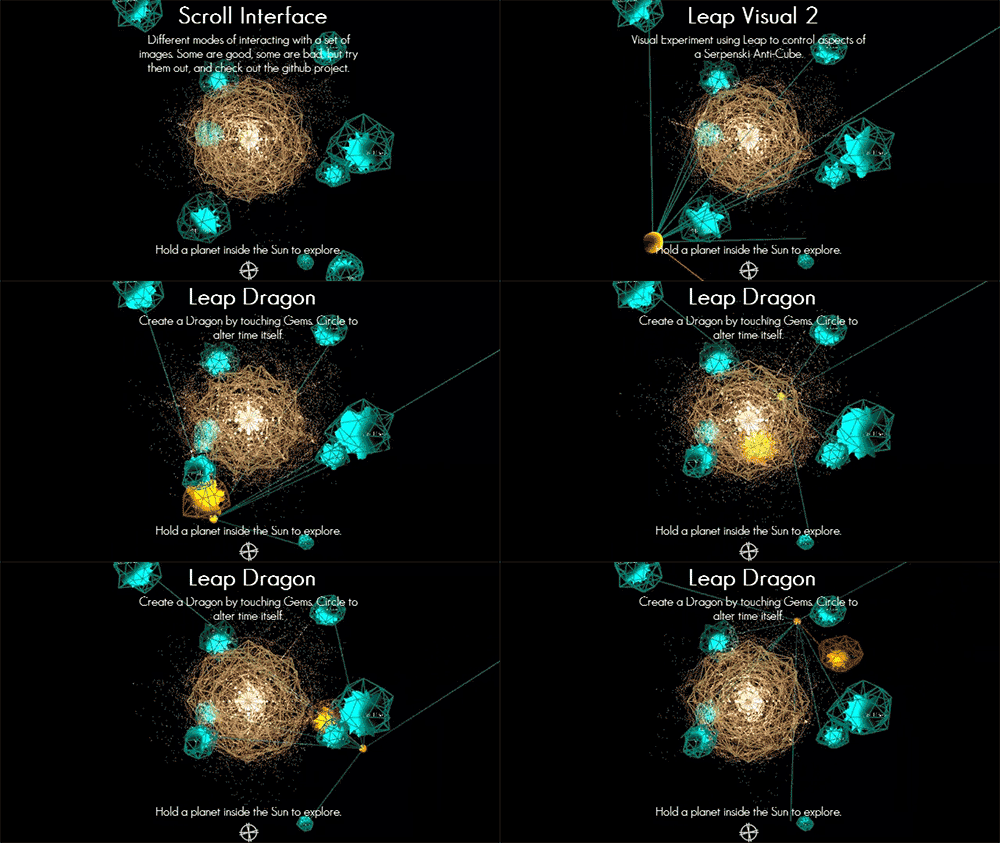
A solar system serves as a gateway into several personal projects created by Isaac Cohen, an experience engineer with Leap Motion. Hold your hand over a planet and pull it into the sun to browse a spiral of cute photos, control sunbeams, explore a universe of sound, and more.

WebGL GPU Particles

image

Manipulate over a million tiny particles as they sparkle through space in your browser window.

Knife

image

Knife is a particle system that allows you to experiment with the behavior of hundreds of multicolored balls. Play with physics by tweaking variables that include color, friction, time speed, and explosive power.

Theremin

image

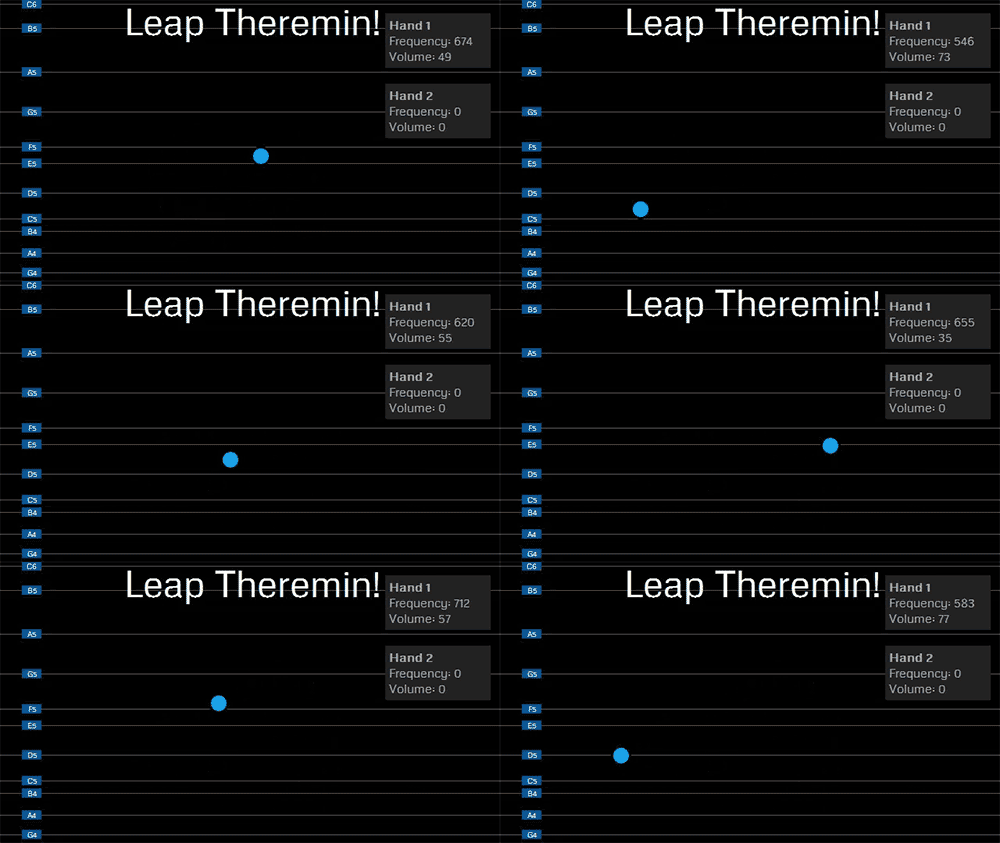
One of the earliest electronic instruments, the theremin is also a classic touchless device that can now be accessed in your browser. We’d love to hear the eerie music you can create with this virtual theremin – take a video and tweet us with the hashtags #FirstLeap #theremin.

FastKat Leap

image

In this minigame, you can accelerate at dizzying speeds through space. Avoid the stars and see how long you can last.

We’d love to hear about your #FirstLeap experiences with these web apps. Post your thoughts and pictures @leapmotion. If you’re interested in developing an app or website for Leap Motion, please join our Developer Community and download the free SDK at developer.leapmotion.com.

Share Your #FirstLeap

image

As our users around the world take their #FirstLeap with us, they’ve shared amazing pictures and videos. We hope you’ll post @LeapMotion to share your experiences too. To view our live gallery feed, click the “Read More” below.

Read More

Leap Motion Has Launched

image

Are you ready to take your #FirstLeap with us, starting now? Leap Motion has just launched, opening the setup page to download our software and making the Airspace Store public. You can check it out here to discover more than 75 apps currently available.

When you start exploring, take a photo or video of yourself using the device, tweet about it, blog about it, or post it to Facebook or YouTube with #FirstLeap. We’re excited to see and hear about everyone’s first experience with Leap Motion, and we’ll be collecting your feedback to share with our amazing supporters around the world. Thank you.

We’re honored that you’re a part of our vision and our new, growing community.

Our official press release:

Leap Motion Launches World’s Most Accurate 3D Motion Control Technology for Computing

Airspace Store Offers 75 New Apps for Leap Motion to Let People Create, Explore, Play and More

Today people around the world take their first leap with Leap Motion™, the motion-control software and hardware company changing the future of human-computer interaction. The company launched its software today, allowing people to control their computers with natural hand and finger movements. It also opened Airspace™, the discovery platform for people to buy, download and launch apps built for Leap Motion’s 3D interaction. Hundreds of thousands of people pre-ordered the $79.99 Leap Motion Controller, which the company began shipping last week.

At launch, the Airspace Store contains more than 75 applications built by developers in more than 20 countries. The wide range of free and paid apps across many categories allows people to create, explore, play, learn and more through new immersive experiences. The Airspace Store will continue to grow as the large Leap Motion developer community brings more applications to keep expanding the many uses of 3D motion control. Anyone can browse Airspace at https://www.leapmotiontechnology.com.

“Today marks a tremendous milestone for the company, but we’re just getting started,” said Leap Motion co-founder and CEO Michael Buckwald. “Leap Motion enhances the computing experience to allow people to do things in new and better ways, and we’re committed to breaking down the barriers between people and technology to make the future more easily accessible.”

The Leap Motion Controller retails for $79.99, and can be ordered at https://www.leapmotiontechnology.com. Beginning July 28, Leap Motion Controllers will be available in Best Buy stores across the United States. It is also available in the UK from Amazon.co.uk. Partnerships with Asus and HP to respectively bundle and embed Leap Motion’s technology into select computers, as well as expected retail distribution outside the US and UK, will further expand Leap Motion’s reach.

The Leap Motion Controller works with computers running Mac OS X 10.7 or 10.8, or Windows 7 or 8. It requires a minimum Intel Core™ i3 or AMD Phenom™ II processor, 2 GB RAM and a USB 2.0 port.