Showing all posts tagged: mac

Free Airspace Game Downloads: Orcs, Puppets, and Learning to Write

Ever wanted to smack a troll in the face with a smelly fish? Thanks to the latest free Airspace game, your wait is finally over. Also free this week, play with a magical puppet theater and learn how to write the letters of the alphabet. Plus, defeat wisecracking aliens and read the latest business news by swiping through a Japanese-language online newspaper.

Orc’s Arena

Reach into an RPG fantasy realm. From the creators of Sortee and Midnight comes a new free game for Windows. Orc’s Arena throws you into the ring to fight monsters with motion control. Take swipes with hand swings, cast spells with gestures, and fight your friends to upgrade your orc.

Download for Windows »

Marionette Zoo

Create and play with your own stories. Free for Mac and Windows, Marionette Zoo takes you into the whimsical world of puppet theater. Express your imagination through four exotic settings and fun characters like Bird, Monkey, Octopus, and T-rex.

Download for Mac and Windows »

Skywriting Alphabets

image

Learn the broad strokes. For small children, learning how to read and write feels like gaining a superpower. Skywriting Alphabets is a free Windows game that helps little writers learn by writing letters in the air. Along the way, you’ll hear the story of baby alien Kaju, and discover practice and time trial modes for hours of fun.

Download for Windows »

Alien Frackass

Obnoxious aliens have invaded Earth. Now what are you going to do about it? Alien Frackass lets you take control of a cosmic paddle and whack balls at the invaders. Defend your turf against 5 wisecracking alien species across 18 levels.

Download for Mac »

The Nikkei: Japanese Newspaper

Featuring high-quality reporting and in-depth analysis, The Nikkei is a Japanese language newspaper that covers economic and business news. The online edition is now available with Leap Motion interaction, allowing readers to browse its archives and read the latest news and trends.

Please note that the site is only offered in Japanese, and requires a subscription to the Nikkei online edition. You can sign up for the Nikkei online edition at nikkei.com. Once you’ve subscribed, check out leap.nikkei.com to access the financial world at your fingtertips.
4 Latest Airspace App Downloads: Building Planes, Subatomic Ions, and More

Want to conquer an ionic storm, build a model airplane, or feed a baby turtle? Today, we’re featuring the three latest games to hit the Airspace Store, plus a creative tool that lets you create vivid sculptures in your browser.

Ione

Ride through a subatomic storm as a lone ione against an endless stream of red dots in this free game for Mac and Windows. Along the way, you’ll collect powerups, gather lives, and see how long you can last before being neutralized.

Download for Mac and Windows »

Turtle Treat

Your turtle is hungry – can you feed him quickly enough to stay alive? Grab and deposit fish eggs into his mouth in this simple Windows game. Gather yellow vitamins, avoid red and black balls, and watch your cute hatchling grow into a healthy adult turtle.

Download for Windows »

Build and Play 3D – Planes Special Edition

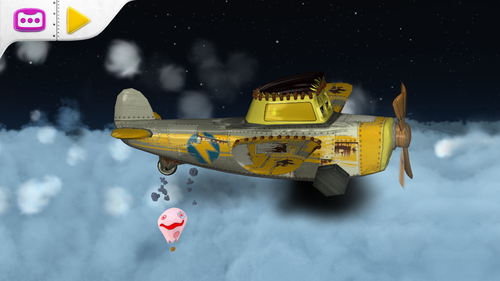
Reach out with your child to build a virtual model airplane with this free construction game for Mac. Designed for young mechanics aged 3 to 6, Build and Play 3D lets you add colorful propellers, wings, windows, and wheels. Slide the pieces together and watch your creation take flight.

Download for Mac »

Leopoly

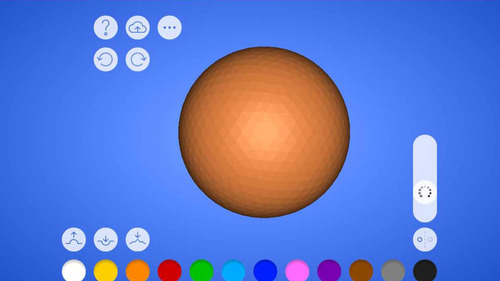
Leopoly is a fun design app that lives in your browser. Create and shape your own 3D models with a variety of sculpting tools, then paint your creation in bright, vibrant colors. To try your hand at Leopoly, make that you’ve checked the “Allow Web Apps” box in the Leap Motion Control Panel (General tab). We recommend Google Chrome for all Leap Motion web apps.

Try it on the web »

5 Airspace Fan Favorites

With 116 titles and counting currently in the Airspace Store, there are lots of great apps to explore. This week, based on your reviews, we’re highlighting five of the most popular apps. Check out the video demos below for 3 computer control apps, an arcade smashup game and a hand-illustrated puzzle.

Computer Controls

Pointable

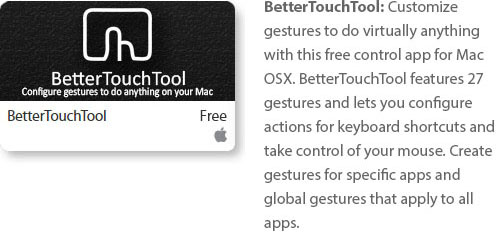
BetterTouchTool

image

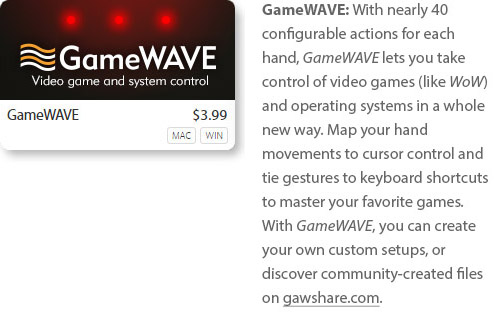
GameWAVE

image

Games

Boom Ball

image

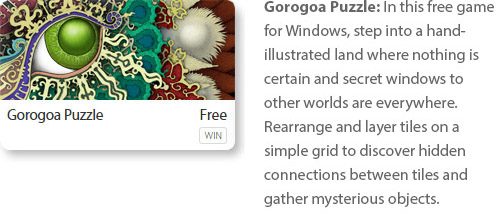
Gorogoa Puzzle

image

What’s your favorite app in the Airspace Store? Let us know in the comments, or give us a shout-out on Facebook and Twitter.

7 New Airspace Titles: August 8, 2013

With new titles being added to the Airspace Store almost daily, and 86 apps currently available, there’s always something to discover. This week, Fruit Ninja made its debut for the Leap Motion Controller along with several other games, a unique musical image app, and a new way to swipe through content. We’re also highlighting GameWAVE, a popular new app that lets you control your favorite games and OS by mapping gestures to actions.

When combined with the new apps last week – along with web-based apps we’ve featured that aren’t currently in Airspace – we’ve highlighted 21 newly added or web-based apps now available, bringing the current total to 96 apps for Leap Motion. Here are the seven new apps that made their debut over the past week.

Games

image

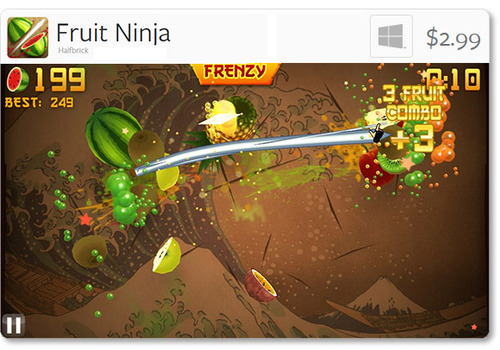
Fruit Ninja: Halfbrick’s universally acclaimed touchscreen game has now arrived on Windows for the Leap Motion Controller. Slice fruit in the air with lightning accuracy, avoid bombs, and become the master of splatter. Play in Classic, Zen, and Arcade modes to test your skills. In addition to fingers, you can air slice with a chopstick, banana, pencil, etc.

image

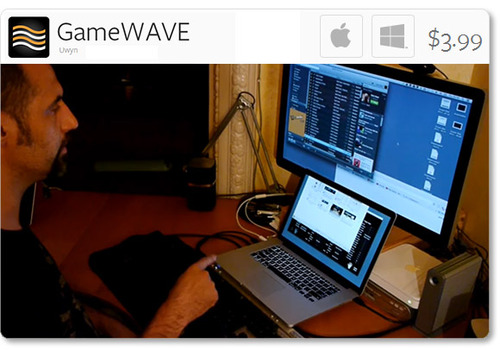
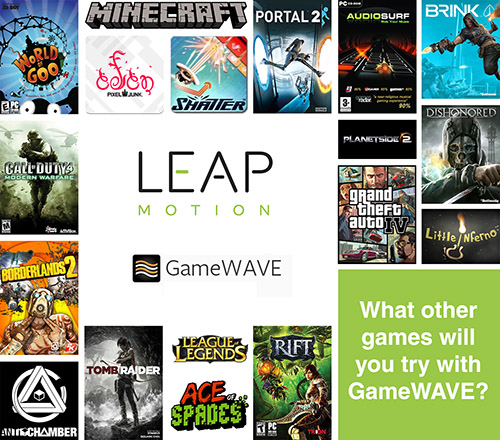
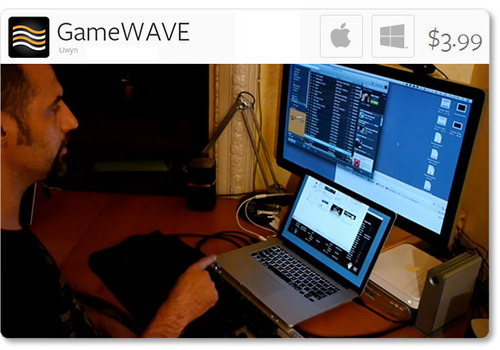
GameWAVE: Control your OS and computer video games with Uwyn’s versatile, popular gesture-control app for Mac and Windows. With GameWAVE, you can customize your system by assigning actions to a wide variety of gestures. According to our forum users, they have successfully played the following computer games with Leap Motion and the GameWAVE app:

image

Once you’ve tried GameWAVE with your favorite games, tell us what you played and share your experiences on the Leap Motion forum or tweet @LeapMotion.

image

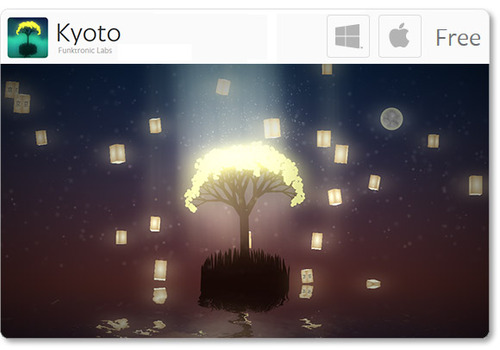
Kyoto: Available for free on Mac and Windows, Kyoto is a short, interactive puzzle game with a sublime ambient sound track. Funktronic Labs, which also created Lotus, designed the game as an homage to the magical city of Kyoto, Japan.

image

Suspect in Sight!: Bring law and order to the streets of Miami, New York, and Los Angeles in this police-chopper arcade game from Jujubee S.A. Available for Windows, Suspect in Sight! features 30 missions, addictive gameplay, and sarcastic humor.

image

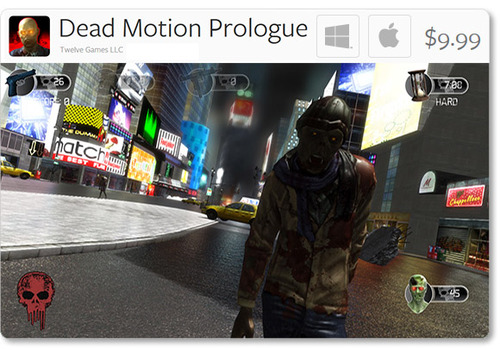
Dead Motion Prologue: Cities around the world are under attack by zombies. Fight the undead with handguns, machine guns, and rifles. Created by Twelve Games and available for Mac and Windows, this first-person shooter offers arcade, survival, and sniper gameplay modes.

Productivity & Utilities

image

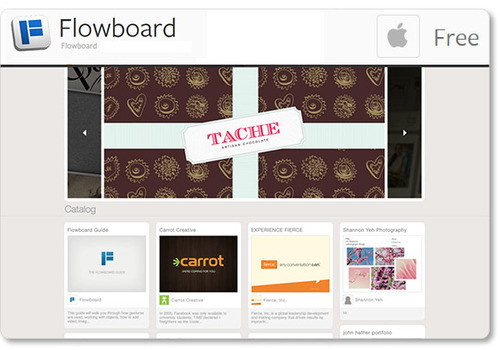
Flowboard: Created by the developers of the same name, Flowboard for OS X is a viewer that allows you to take advantage of a unique presentation and storytelling platform. Use gestures to control side-scrolling publications with images, text, videos, links, and photo galleries. (Note: the current version is only for viewing – not for slide creation yet.)

Music & Entertainment

image

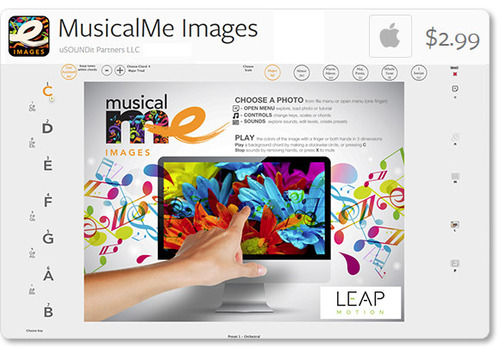
MusicalMe Images: Strike chords with the colors of your favorite images with this OS X musical app from uSOUNDit Partners. As you move your hand across an image, each color plays a distinct tone. Change keys, scales, and chords for a truly creative experience. Check out the demo video to see MusicalMe Images in action.

For the latest updates from Leap Motion, stay tuned to our blog, subscribe to our newsletter, and follow us on Facebook and Twitter. We’ll keep you posted on the newest titles in the Airspace Store and other developments in the global Leap Motion community.

Try Your Hand at these Apps for OS Interaction

Over the last two weeks, lots of people have taken their #FirstLeap with OS interaction using the Leap Motion Controller. While traditional interfaces are designed for 2D interactions, our developers are exploring new ways of bringing 3D interactivity to your desktop.

At Leap Motion, we want to enable you to choose your favorite OS apps to use. We’ve been excited to see the debut of three new OS interaction apps on the Airspace Store since our launch, and we expect more on the way. Here are the five apps currently available that allow you to reach out and take control of your computer.

image

Uwyn’s GameWAVE, available for Mac and Windows, recently debuted in Airspace. It allows you to completely control keyboard and mouse-based video games, as well as your OS. Assign actions to different gestures and make them correspond to what your favorite games are expecting.

Highlights

  • alternate between trigger and steering modes
  • 20 distinct swipe and circle gestures, 6 continuous movement
  • directions, and several other configurable gestures
  • wide variety of supported actions that can be mapped to gestures

image

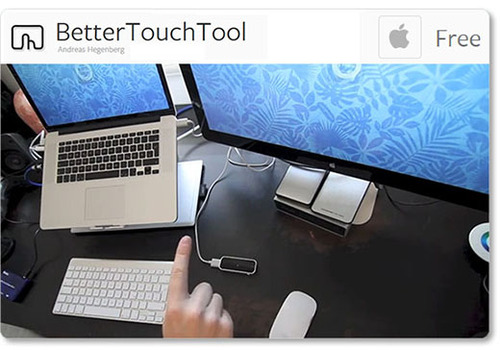
One of the highest-rated apps on the Airspace Store, Andreas Hegenberg’s BetterTouchTool is a highly customizable free app for Mac OS X. It currently supports 25 gestures, which can be mapped to keyboard shortcuts and your mouse.

Highlights

  • works with the Leap Motion Controller, Apple’s Magic Mouse, Macbook Trackpad and Magic Trackpad
  • create application-specific gestures and global gestures
  • disable interaction for specific apps

Created for OS X by AppCannon Software, Swish allows you to easily switch between different apps, control your music, and bind gestures to keyboard shortcuts and other pre-defined actions.

Highlights

  • music options include changing system volume and selecting a song to play
  • easily accessible App Switcher
  • gesture sensitivity options
  • beta Cursor Control system

imageimage

The Touchless apps for Mac and Windows represent a first step towards bringing Leap Motion control to traditional OS interaction. Available for free on the Airspace Store, they allow you to browse the web, open applications and documents, and control menu items.

Highlights

  • click by pointing your finger towards the screen
  • scroll by swiping multiple fingers in the air
  • zoom in and out by pinching your fingers

Since launch, we’ve heard lots of constructive feedback about the Touchless apps from the Leap Motion community. We’re thankful for your comments, and our team is continuing to refine the software and improve the Touchless experience. You can join the conversation and let share your thoughts on our OS interaction forum thread.

These five apps are just the beginning, and we can’t wait to see what our developers will build next. We’d like to hear about your experiences with Leap Motion OS interaction, and what you’d like next from our developer community. Let us hear what you have to say on our forum thread.